Use Housecall Pro Job Fields consistently so Vulcan Score can separate service lines, work types, and department-level coaching signals.
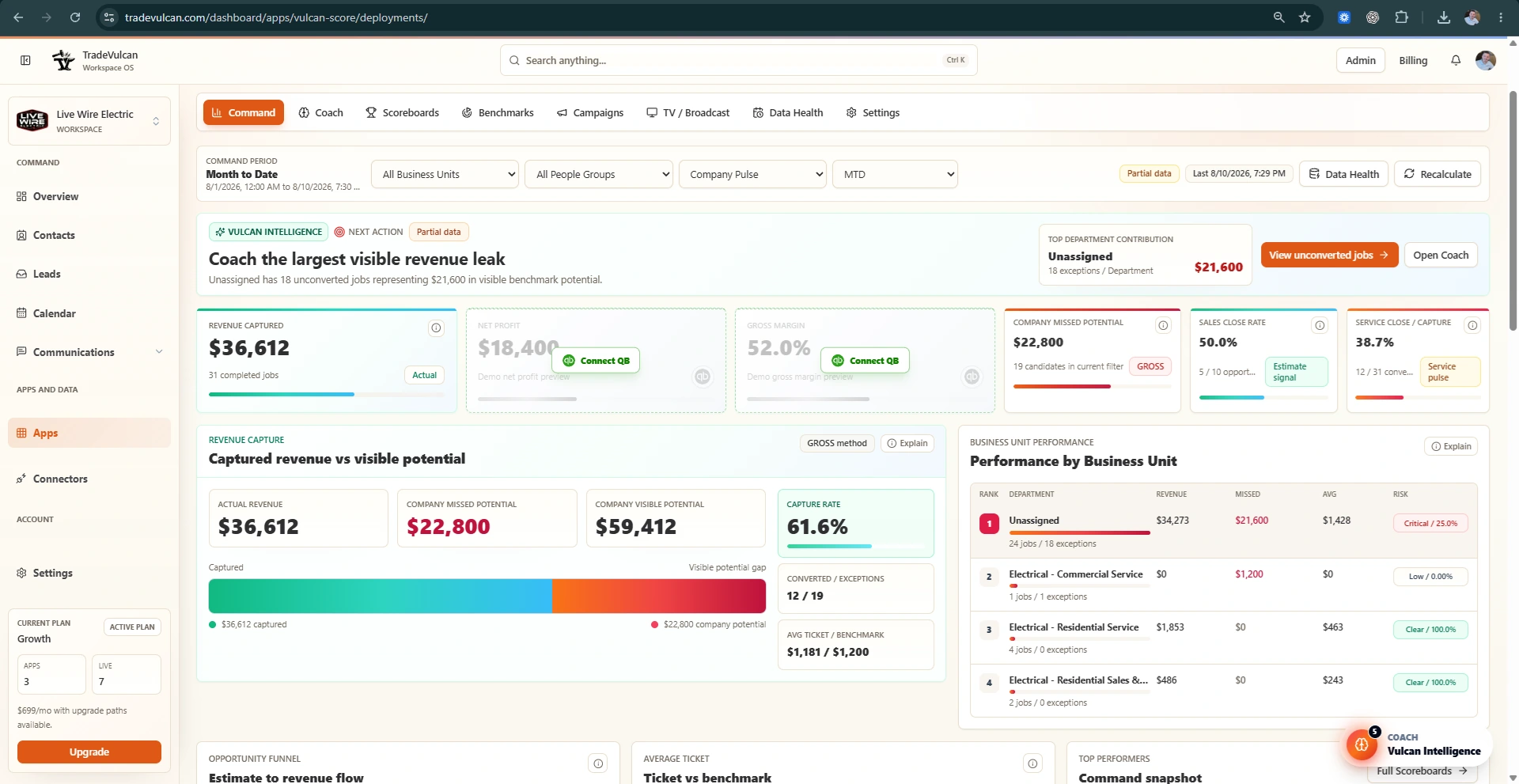
Command center: See where revenue is being captured, where it is slipping, and which teams need attention. Sanitized demo workspace.
Why this matters
Housecall Pro teams often think in job fields, tags, job types, service lines, technicians, and sources rather than ServiceTitan-style Business Units. Vulcan Score can still coach from normalized job and revenue facts, but department coaching is stronger when job fields consistently identify the type of work.
What a combined view hides
View
Revenue
Labor and material
Gross profit %
Net profit
Problem
Company combined
$220,000
$143,000
35%
$8,000
The company looks low-margin, but the source is not visible.
What consistent job fields reveal
Job field / department
Revenue
Gross profit %
Net profit
Coaching focus
Service
$120,000
60%
$28,000
Keep conversion and average ticket steady.
Install
$100,000
5%
-$20,000
Review labor usage, materials, scope control, and pricing.
Recommended HCP setup
Use Job Fields to capture department or work-type context that managers actually coach.
Separate demand service, sales/replacement, install, maintenance, warranty/no-charge, callback, and specialty trade work when possible.
Keep values simple and consistent. A few clean fields are better than dozens of overlapping labels.
Use the same field names across dispatch, booking, and job closeout workflows.
After setup changes, sync Vulcan Score and check Data Health for Job Type and department coverage.