
Connect the systems you already use.
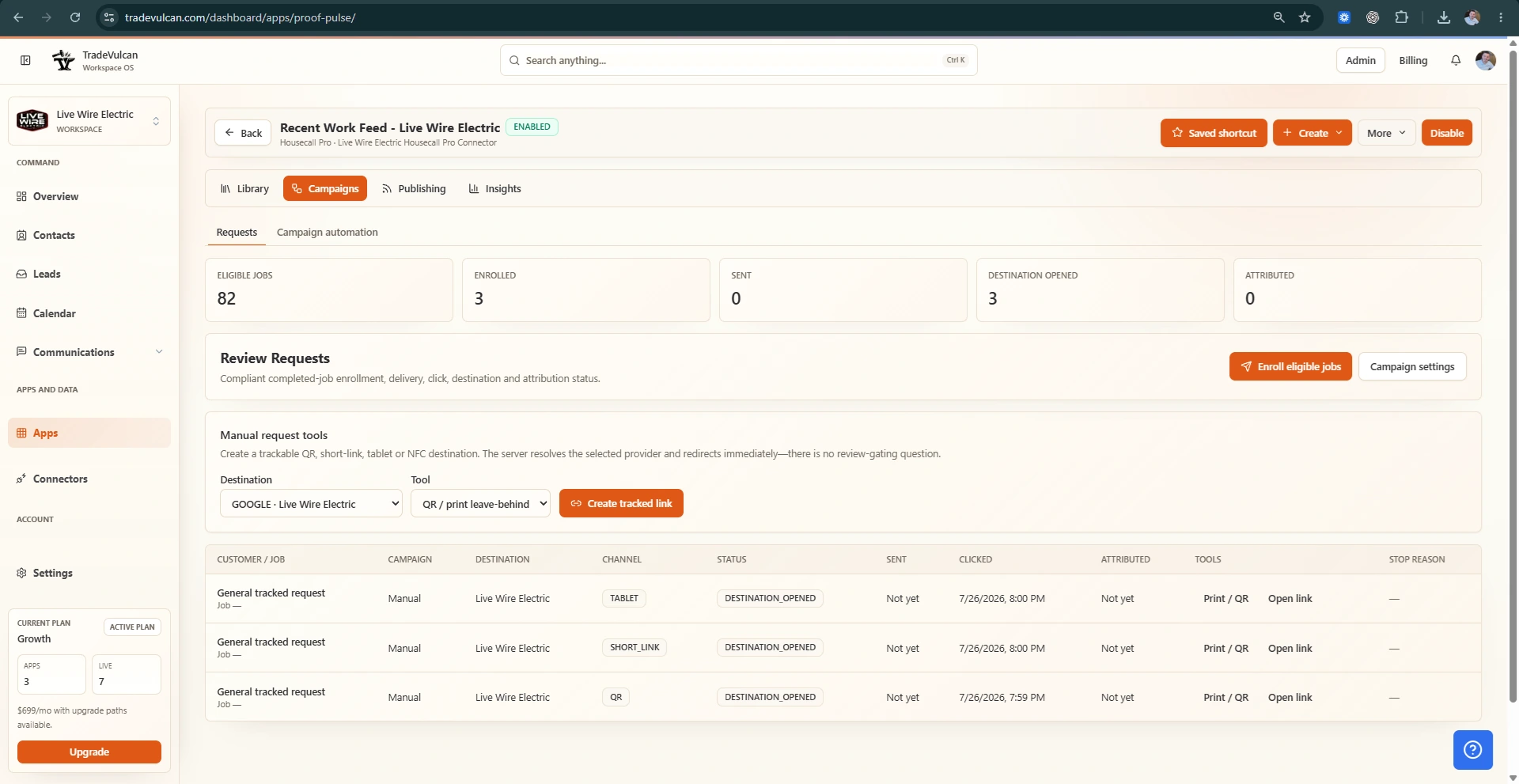
Bring supported CRM, call, messaging, proof, profile, and performance context into one workspace.
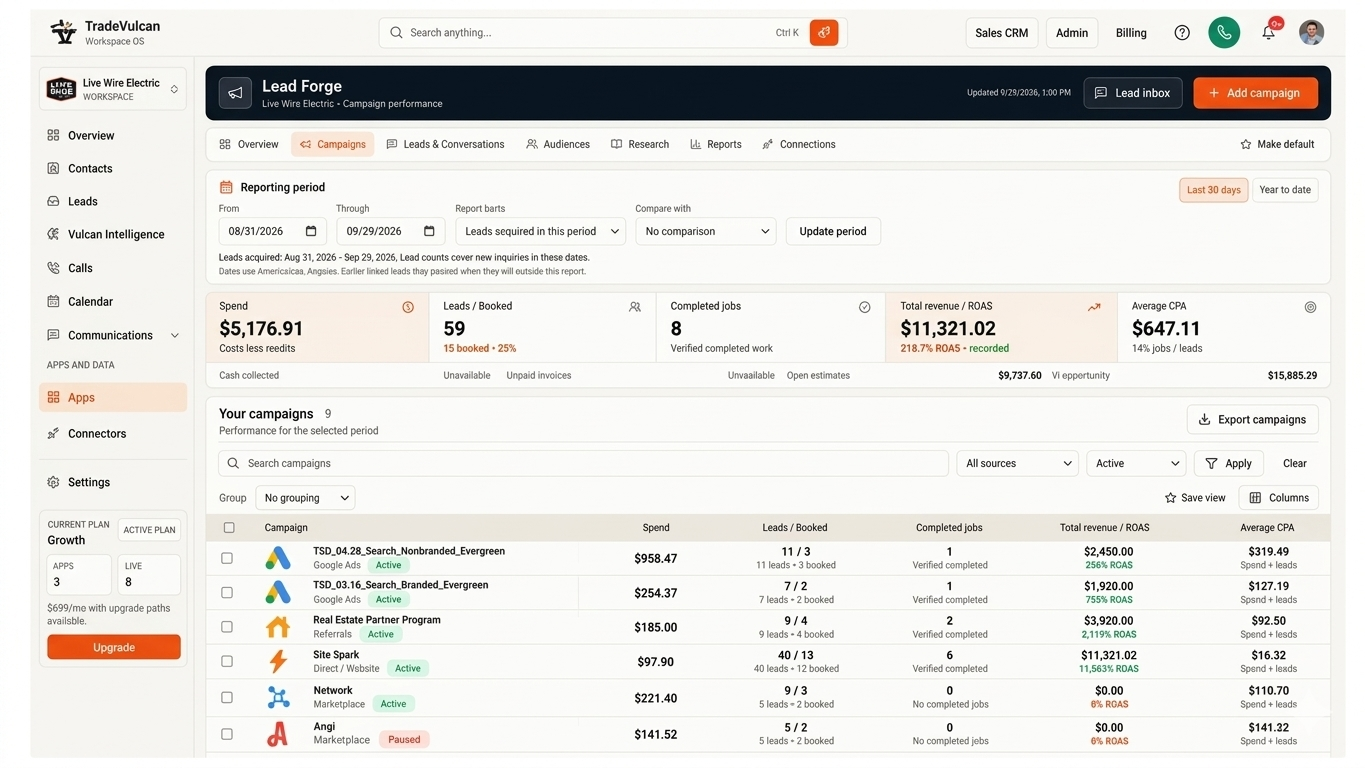
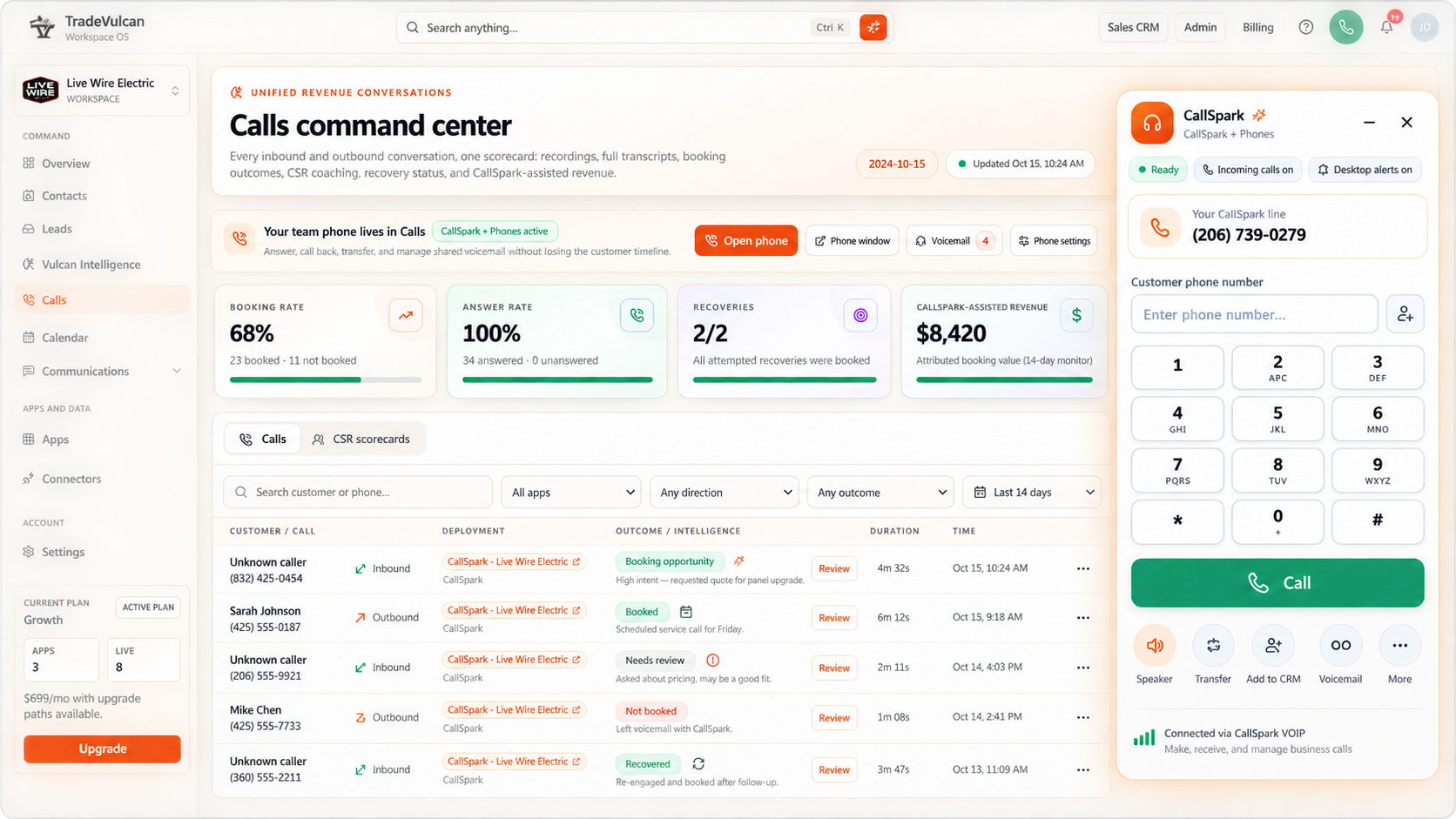
Recover missed calls, book more visitors, follow up on estimates, publish local proof, and see the KPIs that matter.

Contractor revenue leak recovery platform
TradeVulcan connects your CRM, phones, website, messaging, reviews, proof, and scorecards so missed calls, slow forms, cold estimates, and weak local proof get an owner, a workflow, and a KPI.
Revenue leak diagnostic
Tell us where revenue is leaking today. We will point you toward the first TradeVulcan workflow to launch, what it connects to, and which KPI to watch.
How TradeVulcan works
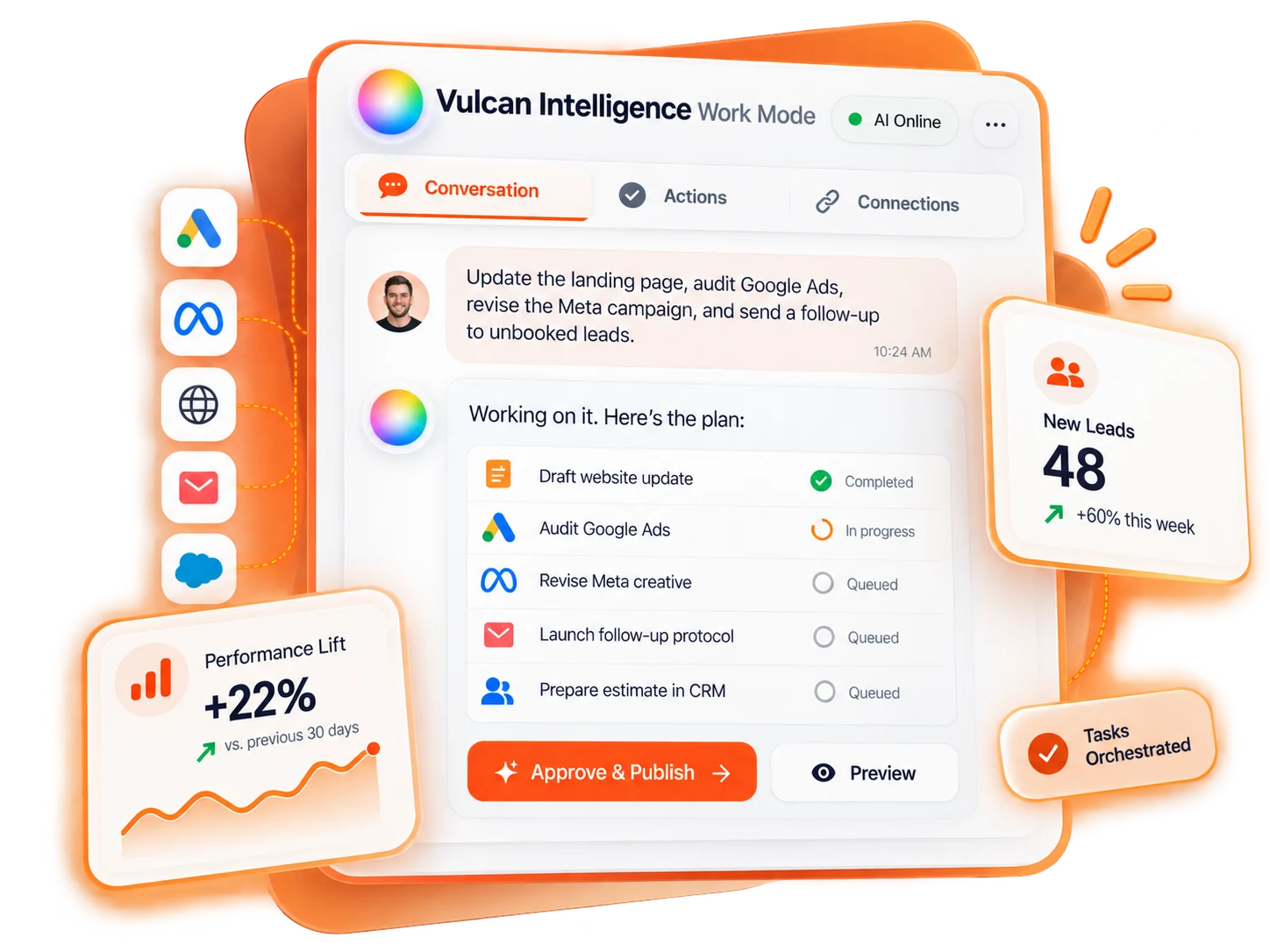
TradeVulcan wraps around the CRM, phones, website, messaging, proof, and performance workflows your team already depends on.
Bring supported CRM, call, messaging, proof, profile, and performance context into one workspace.
Start with missed calls, website booking, unsold estimates, local proof, reviews, lead data, or scorecards.
Track the KPI that matters, then add the next app when the first workflow proves itself.
Start with one app. Grow into the stack.
Start with the workflow that is already costing the business money. Each TradeVulcan app can launch as a focused motion, then share context with the rest of the stack as you expand.
Recover phone demand before the customer calls the next shop.
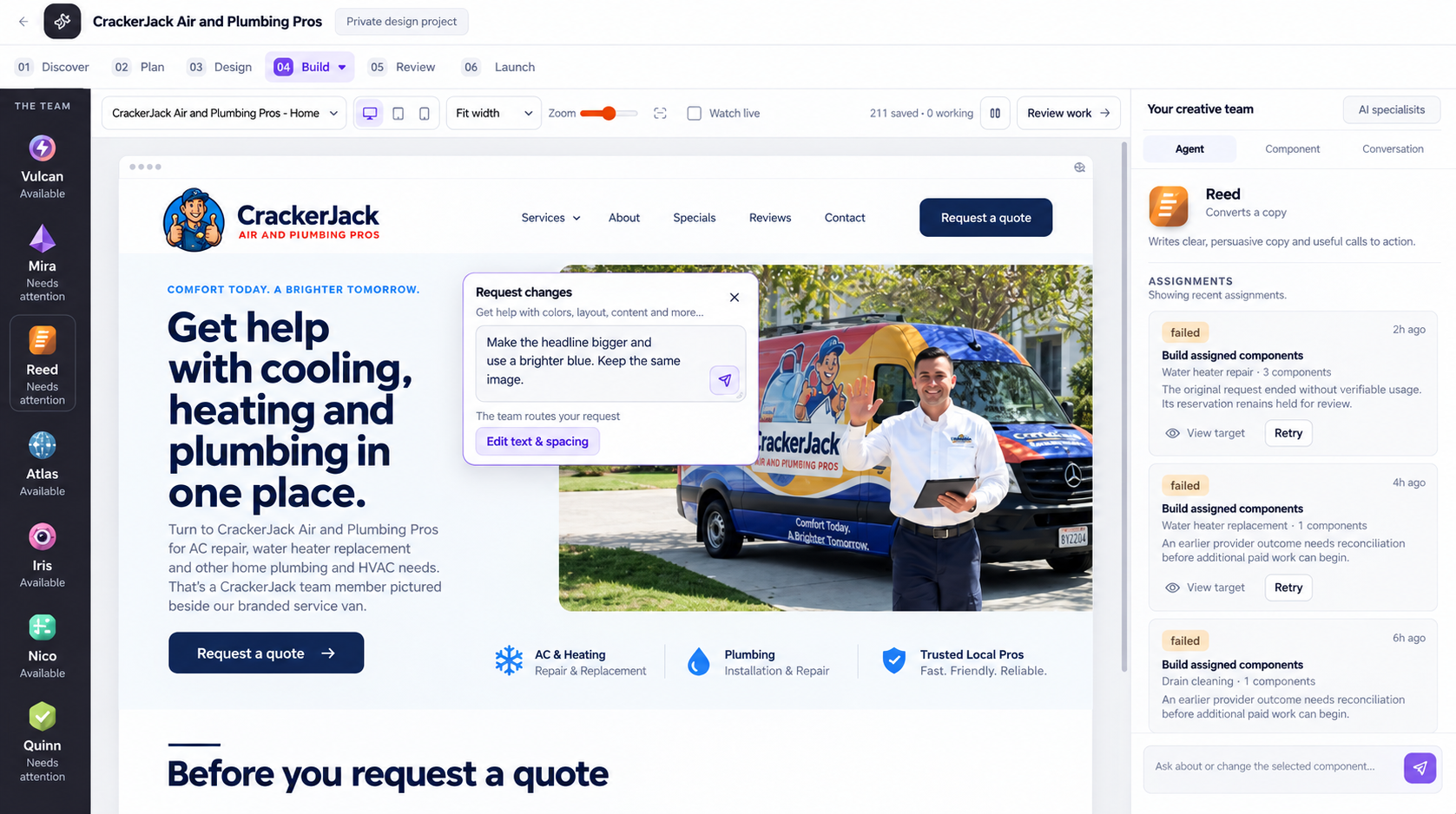
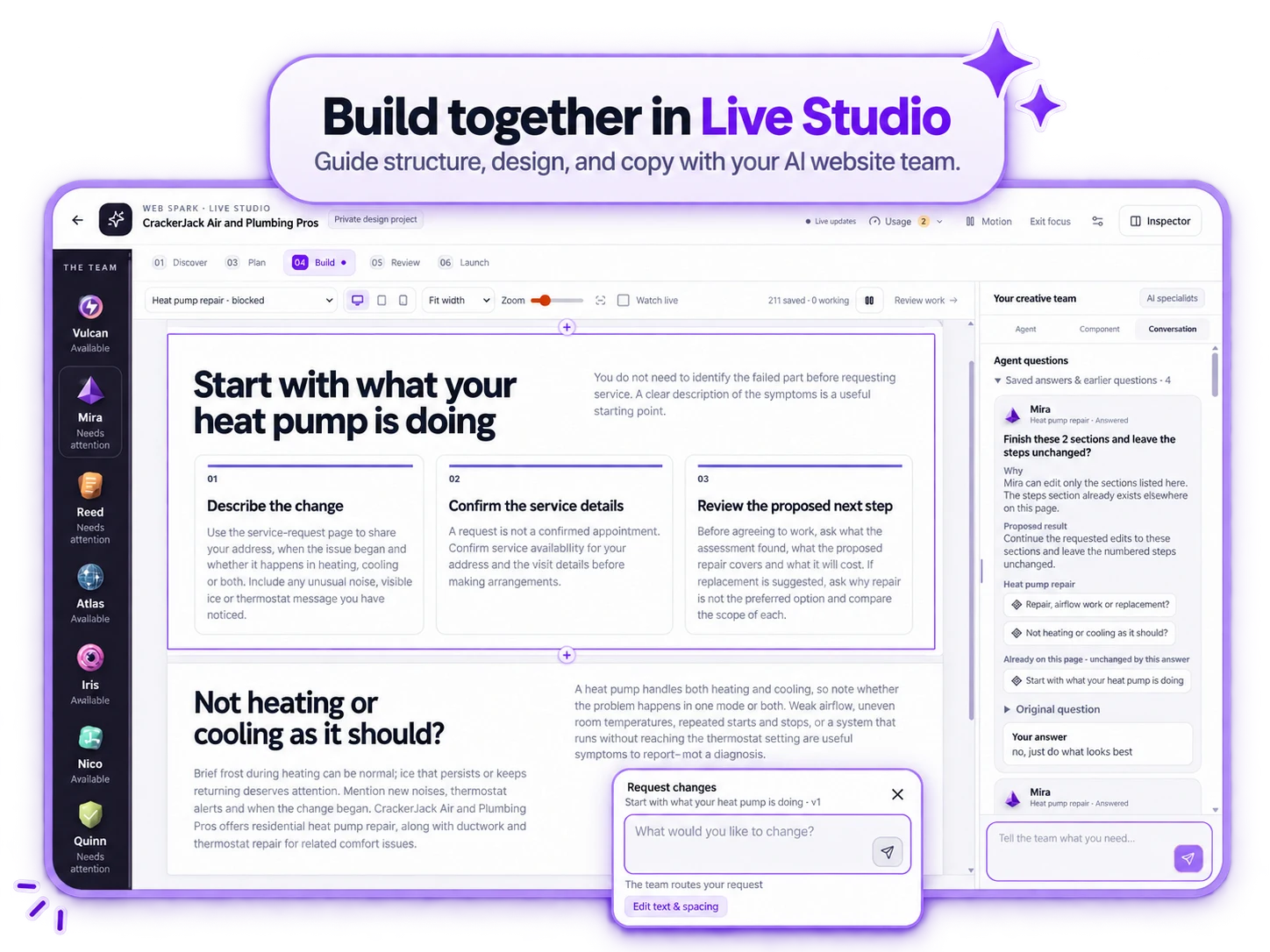
Turn your contractor website into a booking engine.
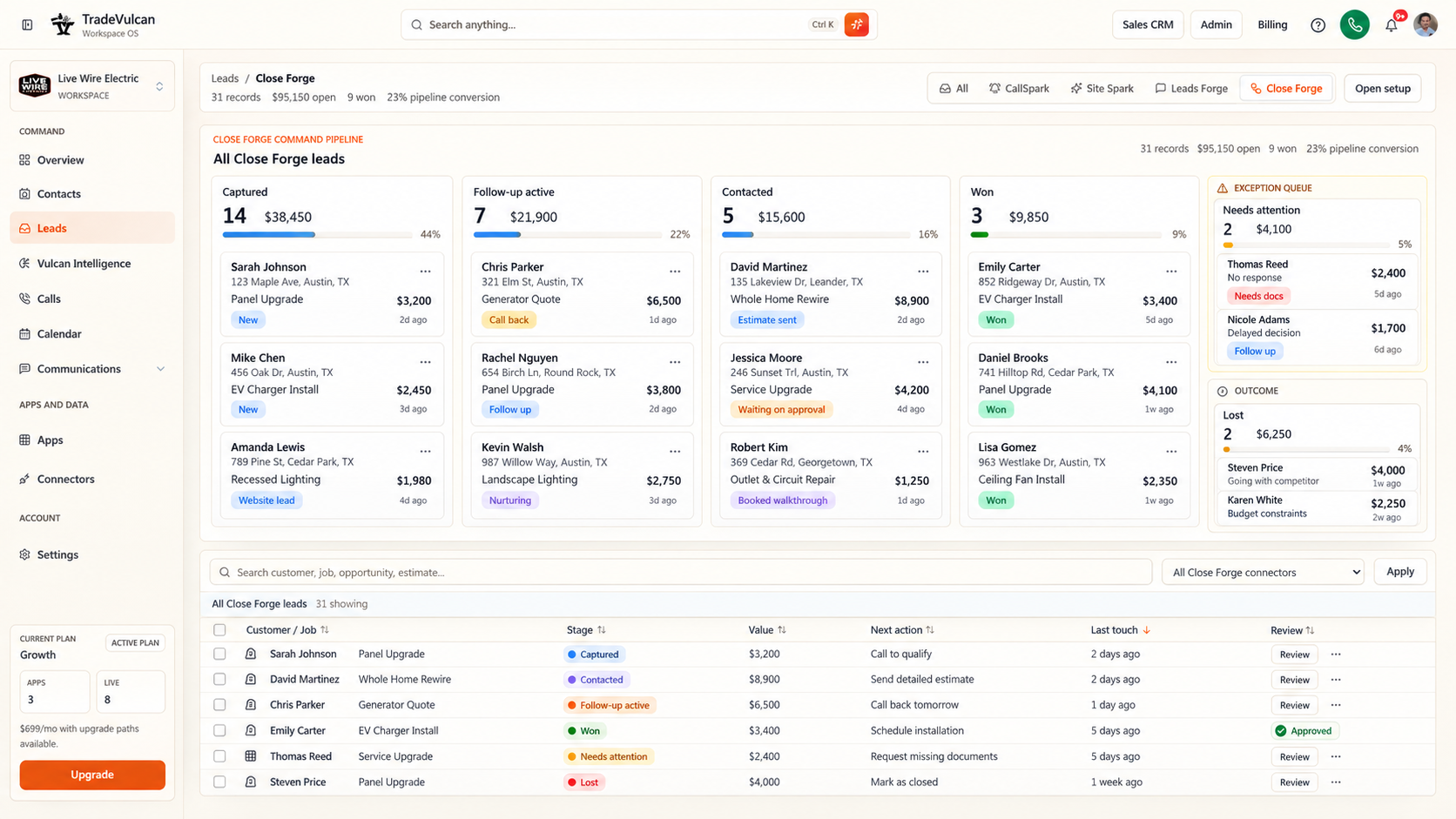
Follow up on unsold estimates before they go cold.
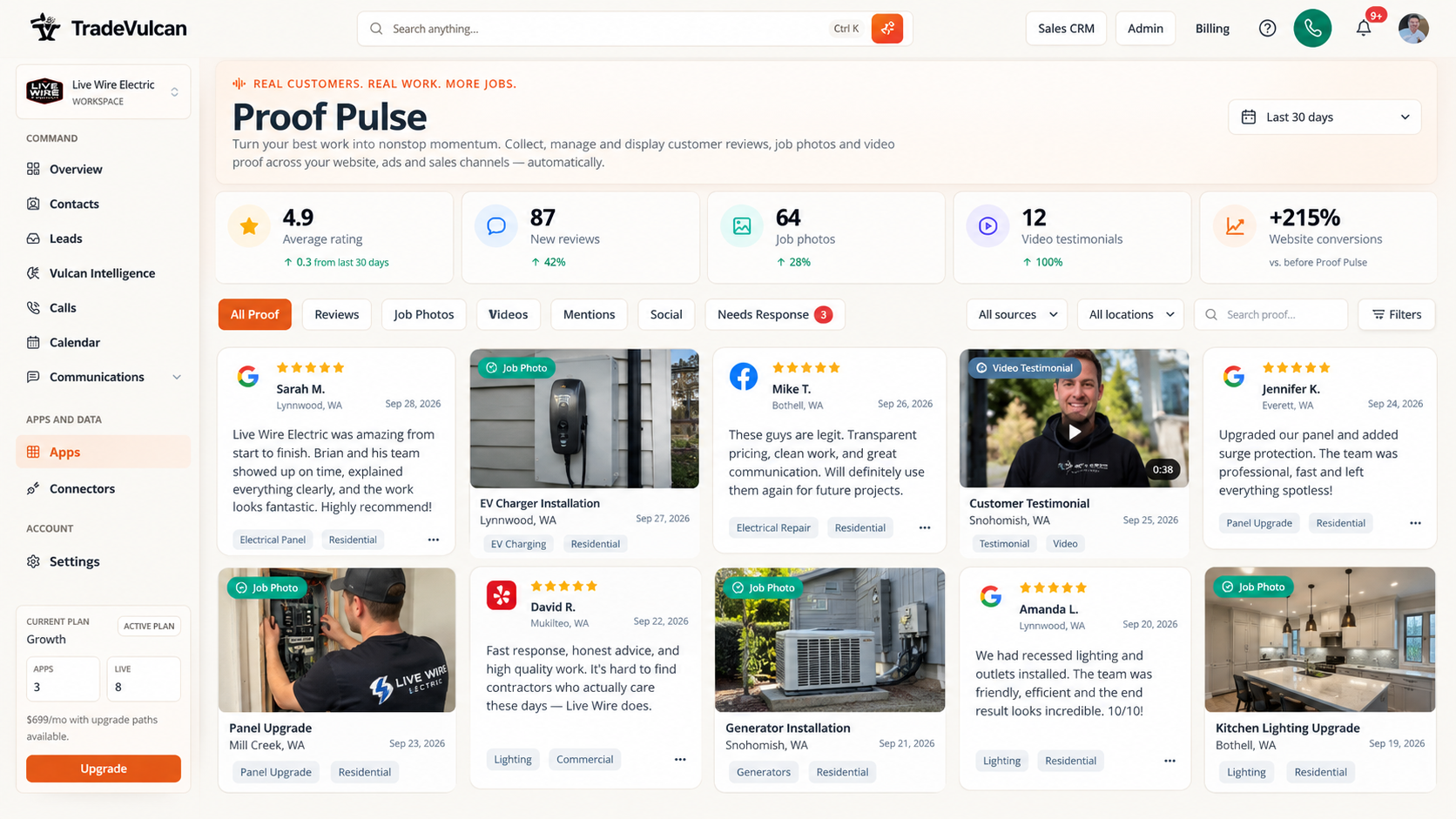
Publish local proof from completed work.
Start with one workflow
You do not need to rip out your CRM. Start with the workflow causing the biggest leak, prove the motion, then expand when the team is ready.
Shops missing calls after hours, during lunch, or when dispatch is overloaded.
Companies with website traffic but weak booking conversion or too many generic forms.
HVAC, plumbing, electrical, roofing, painting, and project teams with open quotes.
Teams trying to win more calls from service-area trust, recent work, reviews, and local search.
Trust and security
Your team sees clean customer and workflow context. Credentials stay server-side, access follows workspace permissions, and AI or messaging steps use operator-approved rules.
View security approachTradeVulcan is built around workspace access, roles, and app-specific views so teams can separate setup, manager, and operator work.
Connector credentials and provider secrets are handled server-side through connector settings and are not shown in normal manager UI.
SMS, email, AI voice, and review workflows should be configured with opt-in, opt-out, send windows, and human review rules that fit the workspace.
Managers see the customer, job, workflow, and next step through normalized facts, snapshots, audit history, and sanitized records.
Trade-specific workflows
Plumbing emergencies, HVAC replacements, roofing proposals, and painting projects leak revenue in different places. TradeVulcan helps you choose the right starting workflow.
HVAC software growth stackHVACPublish recent installs by city + Use Close Forge to follow up on unsold replacements
Plumbing revenue workflowsPlumbingShow real drain, fixture, and water heater work + Create local proof galleries with Proof Pulse
Electrical contractor operating layerElectricalPublish electrical proof by city + Improve local service pages with recent work
Roofing proof and follow-upRoofingPublish roof proof by area + Keep estimate follow-up consistent with Close Forge
Garage door local proofGarage DoorPublish recent garage door work + Support city-specific landing pages
Pest control visibilityPest ControlPublish safe local proof + Strengthen service-area pages
Painting project proofPaintingPublish recent painting galleries + Show exterior and interior work by area
Contractor command centerGeneral ContractingPublish project proof + Centralize customer contextReady to make the stack practical?
Recover missed calls, book more website visitors, follow up on unsold estimates, publish local proof, and put the KPI in front of the team.