

Windsor.ai
Advertising and analytics context for smarter campaign decisions.
Vulcan Intelligence Work Mode with Actions.
The work partner that goes beyond answers. Tell it what needs to happen. Put your apps, your marketing, and your ideas to work.
Built for the trades. Connected to your world. Directed by you.
You already know what your business needs. Now you have a work partner that can help make it happen. Work Mode brings business context, creative tools, and connected actions into one conversation.
See what one conversation can doUpdate the page. Audit the campaign. Prepare the estimate. Create the follow-up. Work Mode brings the tools together so your next good idea doesn’t get stuck on a to-do list.
One conversation can reach across TradeVulcan and your connected ecosystem. Less switching between apps. More moving your business forward.
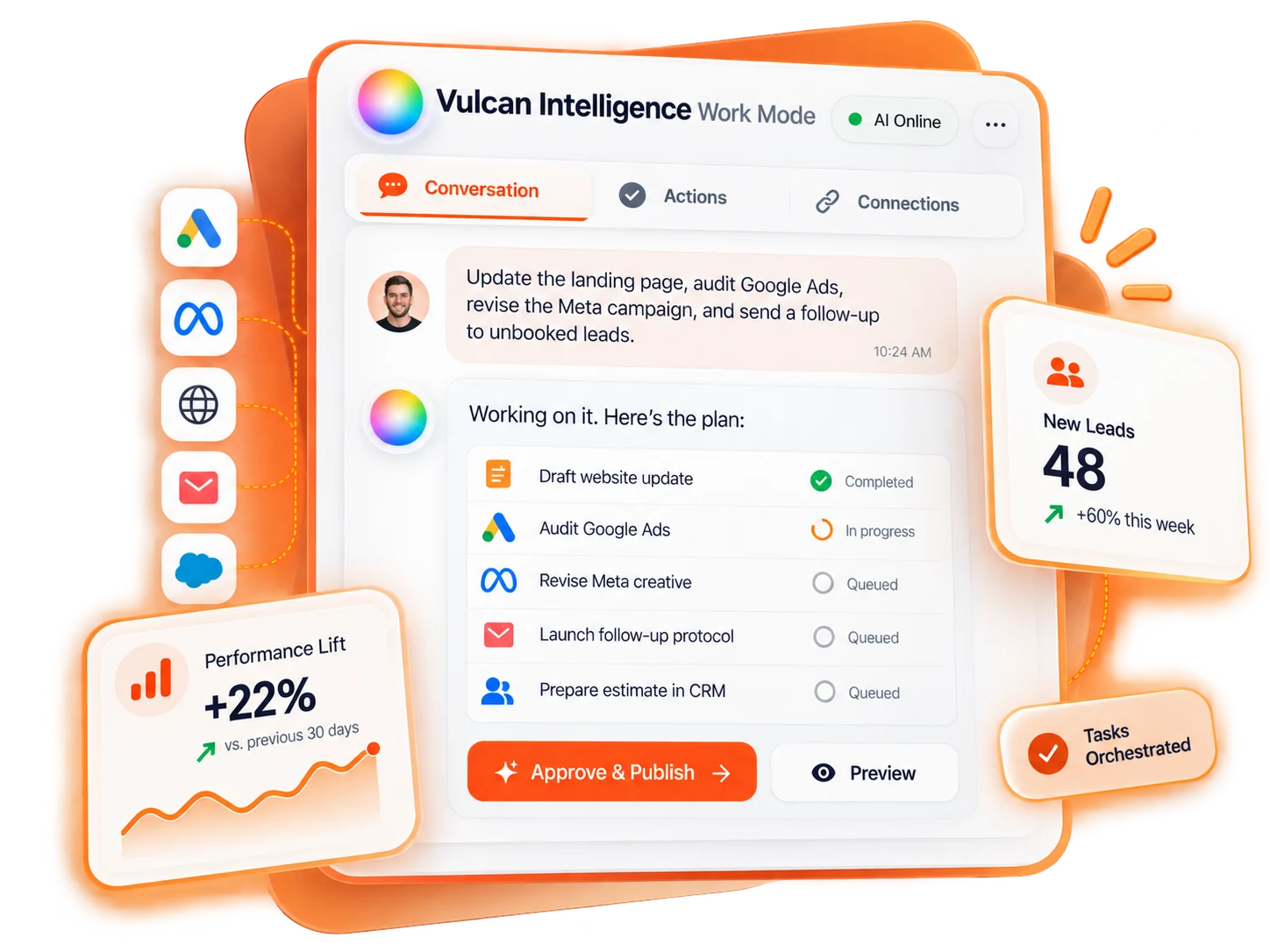
A better headline. A new offer. A page that finally says what makes you different. Give Work Mode the direction and put your connected website to work.
Update our generator landing page with the fall offer. Improve the headline and create a stronger call to action. Show me the changes before publishing.
Interactive examples, not live account actions. Capabilities depend on connected tools, access, and supported workflows.
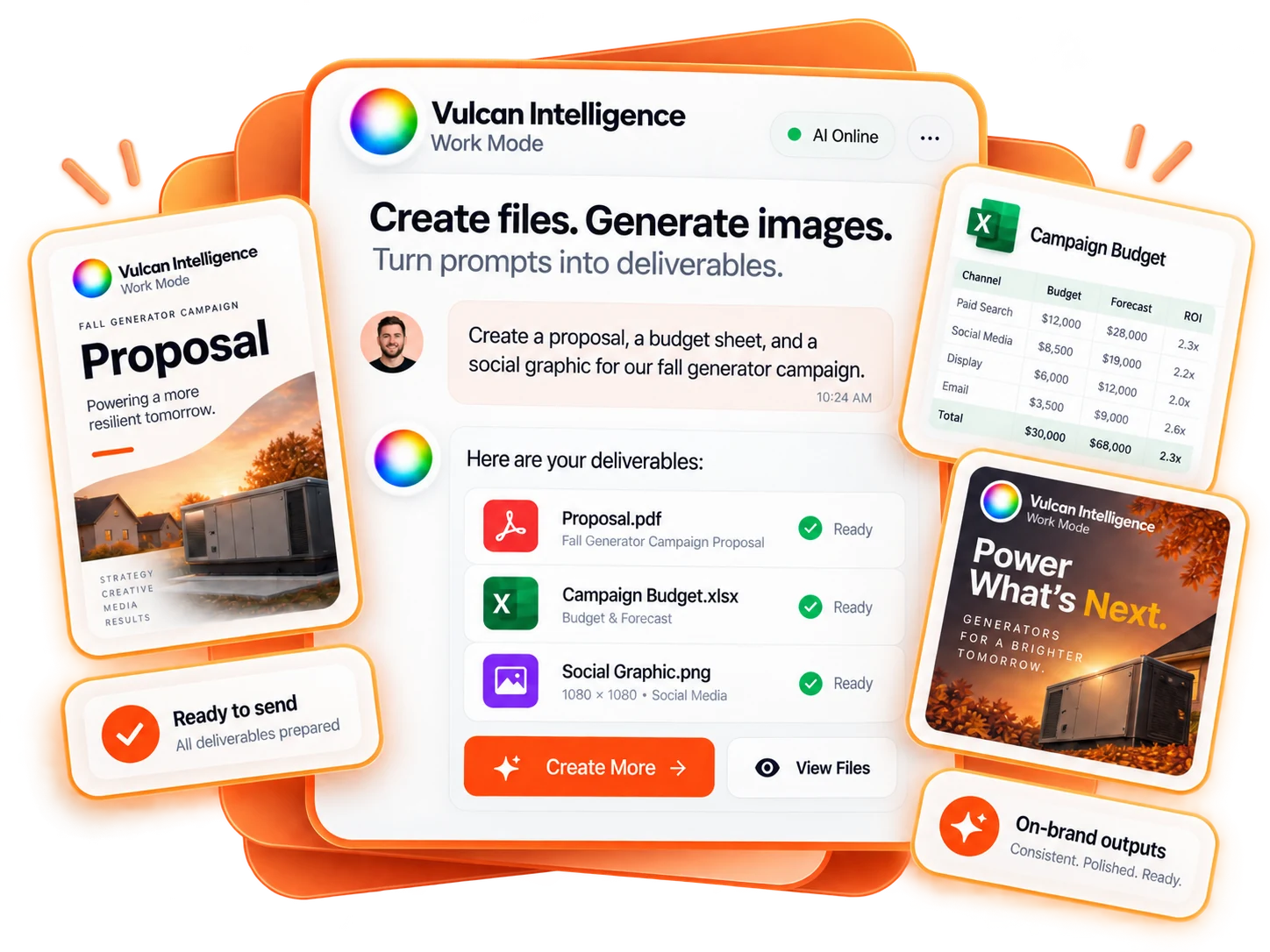
Your proposal, your campaign report, your next great ad. Generate files and images right in the conversation. Upload what you have. Describe what you need. Keep refining until it’s ready.
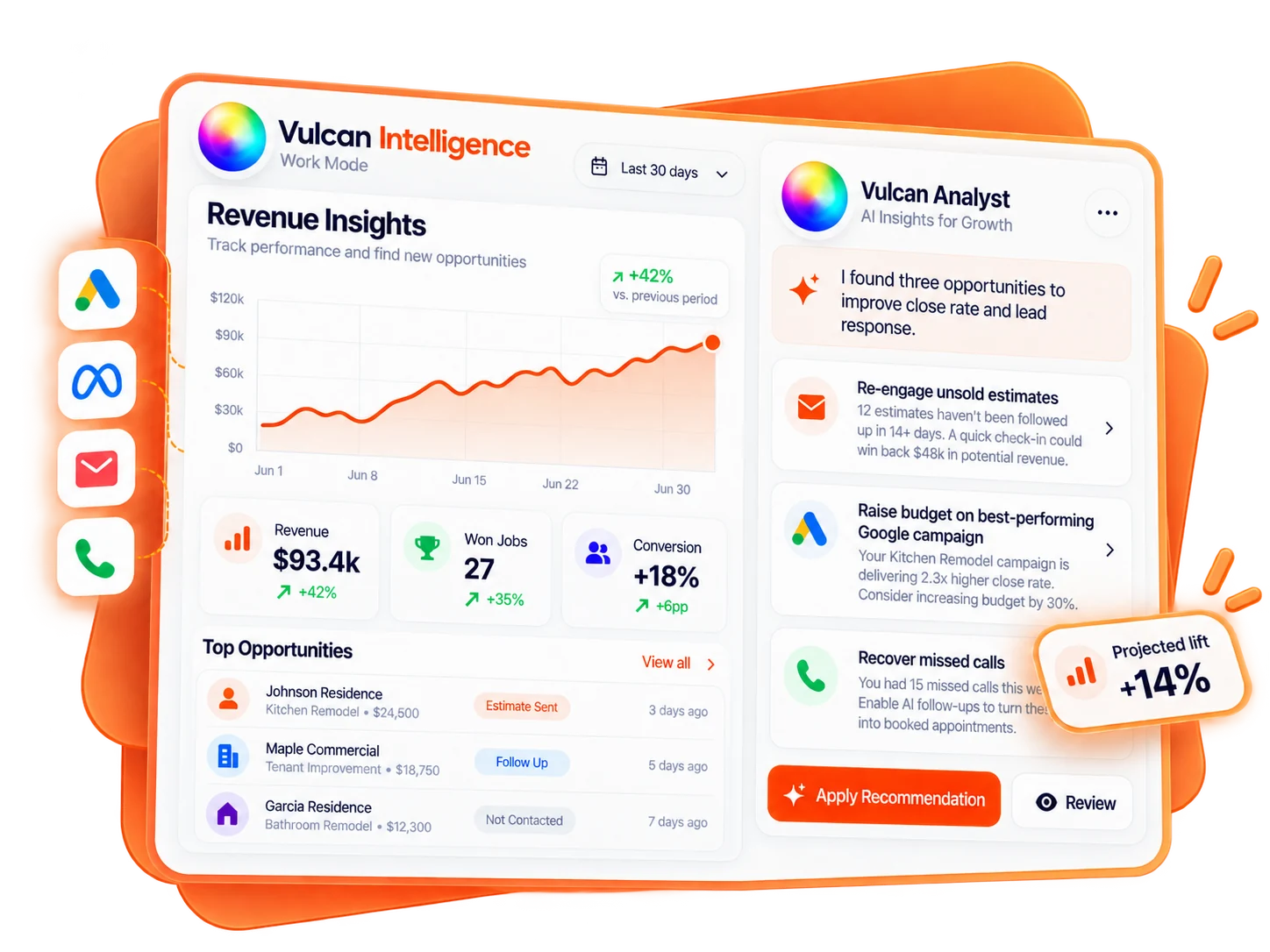
Your calls, leads, campaigns, and customer records tell a story. Work Mode helps you connect the dots, understand what needs attention, and prepare a next step that actually moves the work forward.
“Which unsold estimates need attention, and what should our follow-up say?”
Go from a question to an insight to a draft action, without rebuilding the context in another tool.
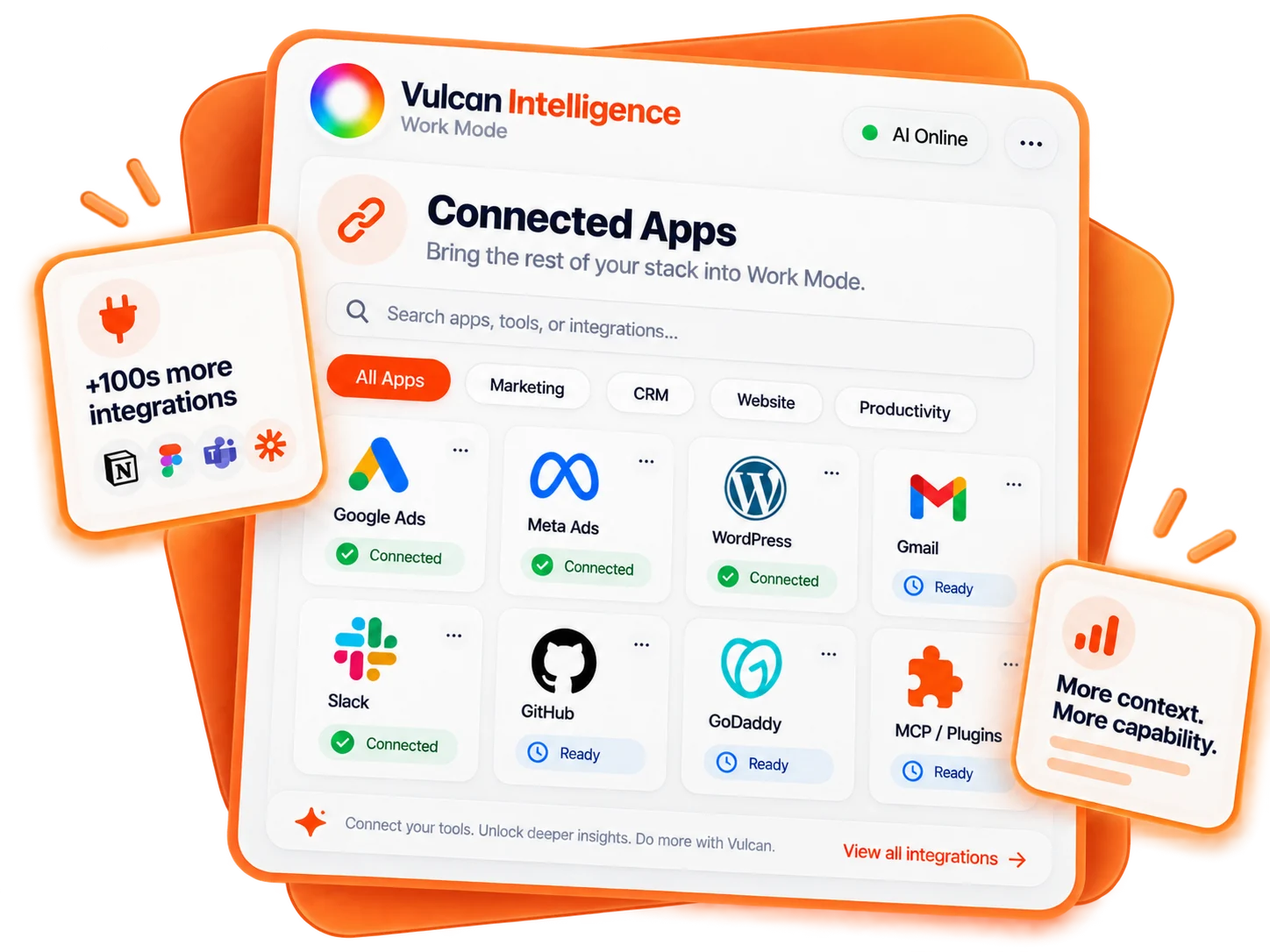
Work Mode connects TradeVulcan to the tools your business already uses. Plugins and MCPs give your work partner more context, more capabilities, and more ways to help.
Bring your website, advertising data, files, messages, and supported CRM workflows into the same conversation. One place to direct the work. A connected ecosystem to get it done.
Explore the expanding connection libraryAdvertising and analytics context for smarter campaign decisions.

Website content, page updates, and publishing workflows.

Repositories, website changes, and development workflows.

Email context, draft replies, and customer communication.

Team context, conversations, and coordinated next steps.

Domain discovery and the foundation for your next website.

Authorized computer, file, and terminal workflows.
An expanding world of apps, tools, and MCP capabilities.
EXPANDING LIBRARYExplore supported connections in your workspace. Library availability and read/write capabilities vary by provider and rollout. Connected services may require their own accounts or subscriptions.
A capable work partner should make your business easier to run, not harder to trust. Work Mode keeps the conversation, the proposed work, and your authority together.
Start in plain English. Add the context, files, or connected tools the work needs.
See proposed changes, drafts, and the next steps before approval-gated actions run.
Authorize the right actions and keep a visible record of what happened.
You bring the direction.
Work Mode brings the possibilities.
A chatbot can give you an answer. Work Mode connects the conversation to tools and actions. It can use authorized business context, prepare files and images, and carry out supported work across TradeVulcan and connected applications. You describe the outcome instead of navigating every step yourself.
Yes. Plugins and MCP connections extend Work Mode into supported external services. MCP, or Model Context Protocol, gives AI a standardized way to interact with tools and information. Available actions depend on the connection, the permissions you grant, and the capabilities exposed by that service. The connection library is expanding.
Work Mode uses the permissions and approval controls of its workflows. Review proposed changes and approve the actions that require confirmation. Connecting an account does not give the AI unrestricted access, and it does not override your application permissions.
Create and edit images, generate PDF documents, Word documents, and Excel spreadsheets, and work from uploaded files. Use these outputs for proposals, campaign reports, budgets, operating procedures, and marketing assets. Review generated content before sending or publishing it.
Use connected advertising data to audit campaigns, prepare creative and revisions, and plan next steps. Supported CRM tools bring customer records and estimating workflows into the same conversation. Read access, write access, and available actions vary by provider and connection. Your active Connections panel shows what your workspace can use.
No. Start with the outcome in plain English. Add the relevant context, files, and connected tools, then review what Work Mode prepares. More advanced connections can unlock technical workflows without making code the starting point for your team.
Less app-switching. Less busywork.
A whole new way to run your business.
TradeVulcan. Built for the way work is going.
Illustrative product views and example data are used on this page. Figures shown are not promised results. Available features, connected services, and actions depend on your plan, account permissions, and rollout. Third-party names and logos belong to their respective owners.