
Why this matters
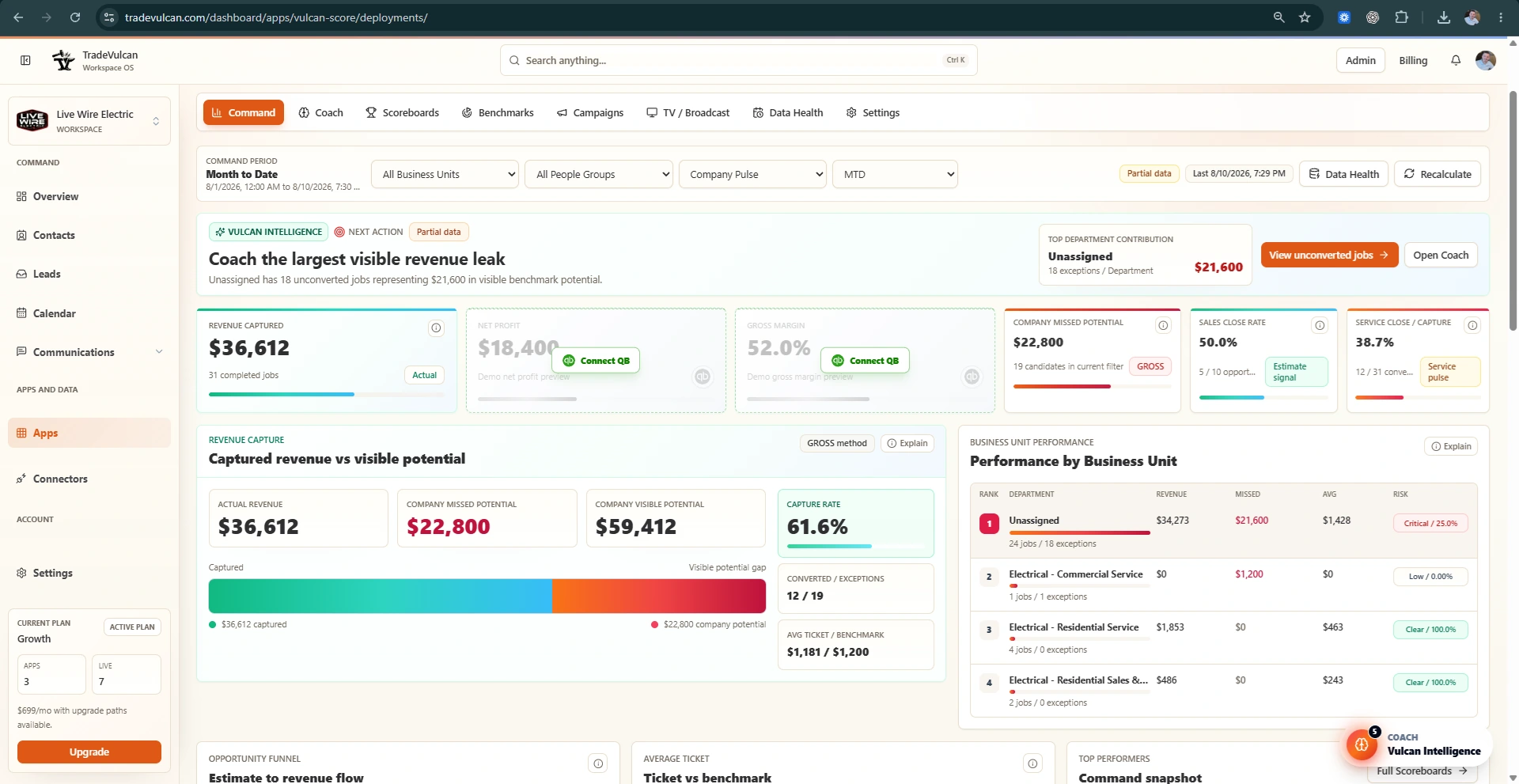
CRM Business Units explain operational performance. QuickBooks Classes explain financial performance. Together, they let Vulcan Intelligence connect what happened in the field to what happened on the Profit and Loss statement.
If QuickBooks is not departmentalized, gross margin and net profit may be accurate at the company level but too broad for department coaching.
Combined P&L example
| View | Revenue | COGS | Gross profit | Gross profit % | Net profit |
|---|---|---|---|---|---|
| Company total | $220,000 | $143,000 | $77,000 | 35% | $8,000 |
This tells the owner margins are weak, but not where to focus tomorrow morning.
Classed P&L example
| Class | Revenue | COGS | Gross profit % | Net profit | Decision |
|---|---|---|---|---|---|
| Service | $120,000 | $48,000 | 60% | $28,000 | Healthy. Protect this department and keep coaching average ticket and conversion. |
| Install | $100,000 | $95,000 | 5% | -$20,000 | Install is losing money. Review estimates, labor budgets, materials, purchase orders, and closeout process. |
Recommended QuickBooks setup
- Turn on Class tracking in QuickBooks Online if it fits the accounting workflow.
- Create Classes that match the operating departments managers use: Service, Sales or Replacement, Install, Maintenance, major trades, or locations.
- Use Classes consistently on revenue and cost transactions so department margin is meaningful.
- Decide whether overhead should stay company-level or be allocated by department. Keep the rule consistent.
- Review classed P&L results with your accountant before using profit KPIs for rewards or compensation.
Vulcan Score guidance
- Use company P&L KPIs for coaching when QuickBooks is connected.
- Use Class-level profitability for department decisions once Classes are consistently applied.
- Do not use profit KPIs for contests or rewards until class usage, revenue rows, and cost rows are trusted.