
What Close Forge does
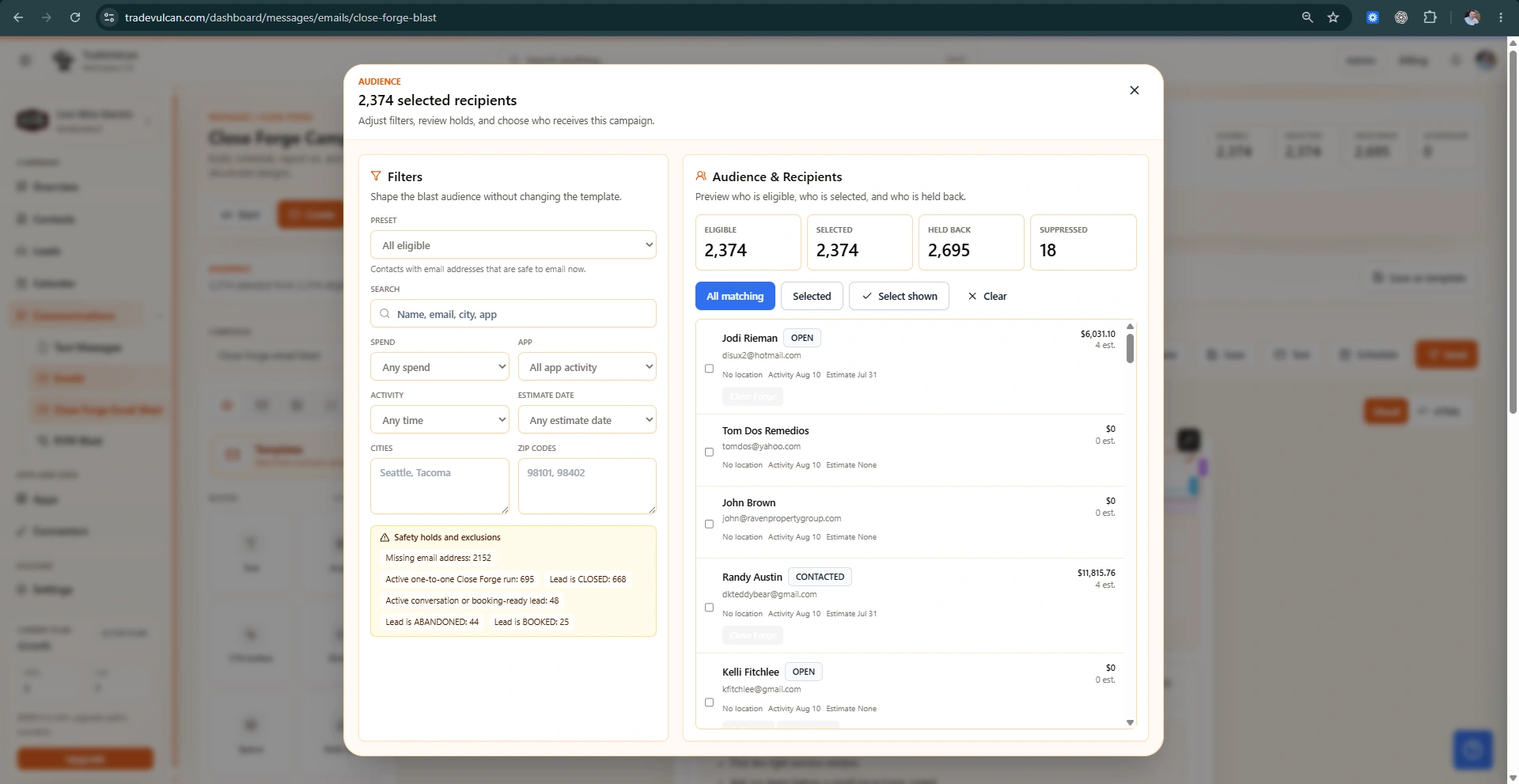
Close Forge is the TradeVulcan sales follow-up app for home-service companies that want more open estimates to turn into approved work. It watches compatible CRM activity, qualifies whether an estimate is safe to follow up, sends or queues customer-friendly SMS and email touches, and gives the owner or sales manager a pipeline for every captured opportunity.
The best way to think about Close Forge is simple: it gives your team a repeatable process for the estimates that usually fall through the cracks. The app keeps follow-up timely, polite, measurable, and tied to the actual CRM record instead of relying on memory or scattered spreadsheets.
Owner outcome: every open estimate has a known status, a next action, and a visible history of what Close Forge did or why it stopped.
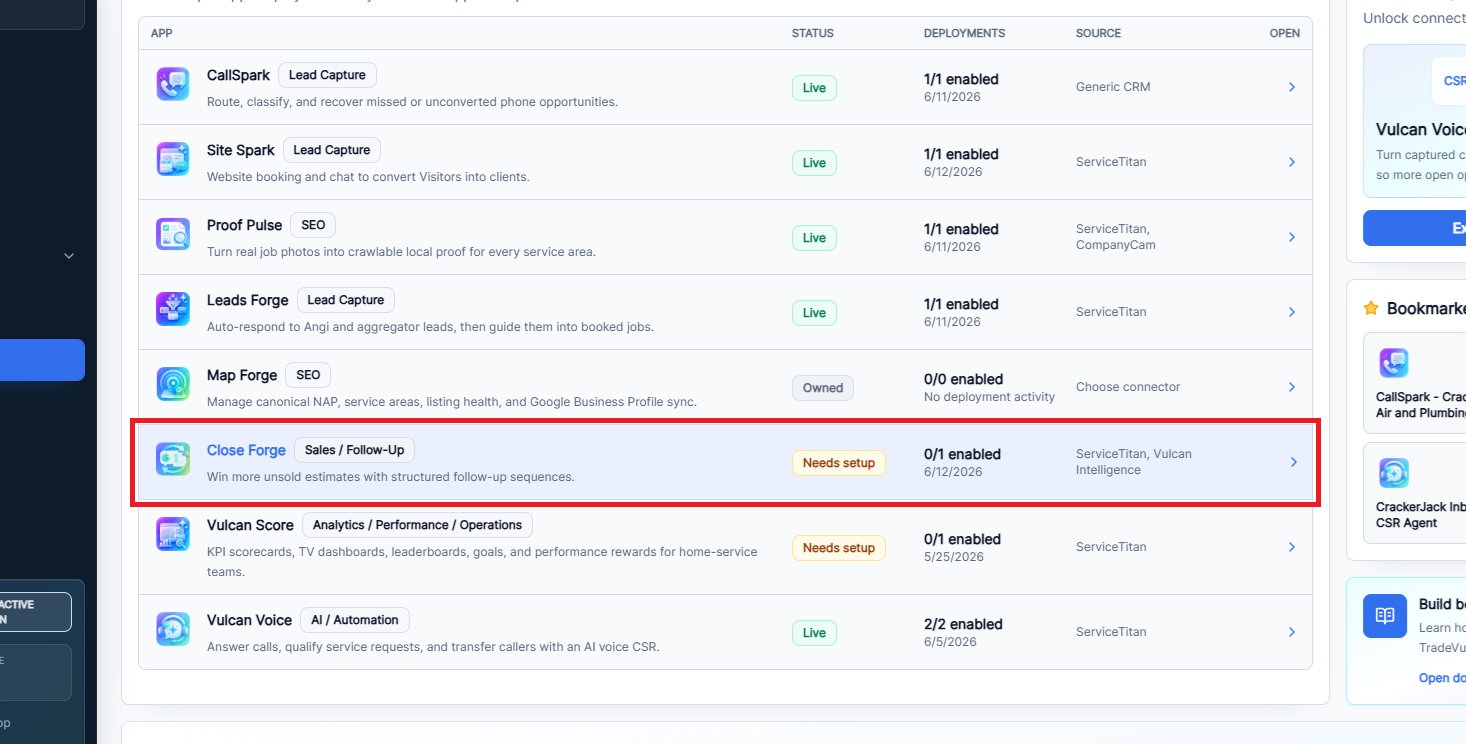
The Close Forge operating workflow
| Phase | Where it happens | Business-owner action |
|---|---|---|
| Prepare | Connectors and messaging settings | Connect the CRM, verify email sending, assign a texting-ready number, and complete messaging compliance. |
| Create | Close Forge app setup | Create a deployment draft, choose a starting template, bind the connector, and set business hours. |
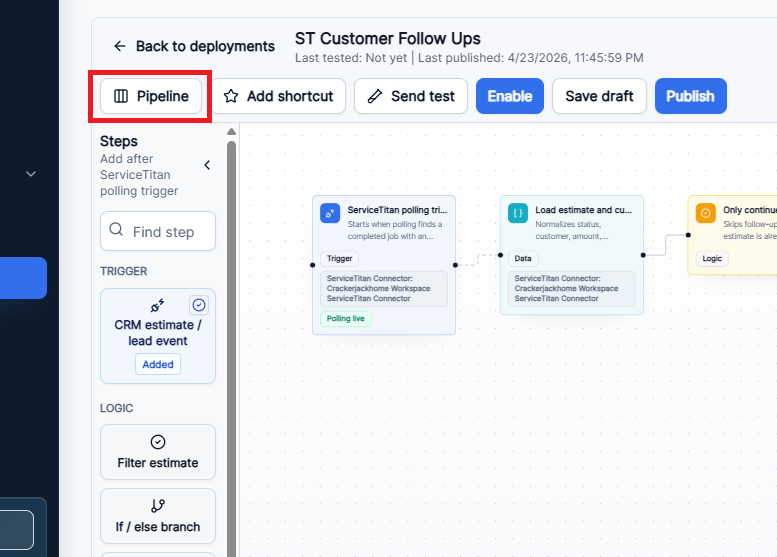
| Edit | Visual workflow builder | Review each step, adjust delays, filters, templates, and stop conditions, then save the draft. |
| Test | Builder top actions and bottom tray | Send a test event or message, inspect connector health, and review event history and run logs. |
| Publish | Builder top actions | Publish the workflow so it syncs to the live campaign engine, then enable the deployment only after readiness passes. |
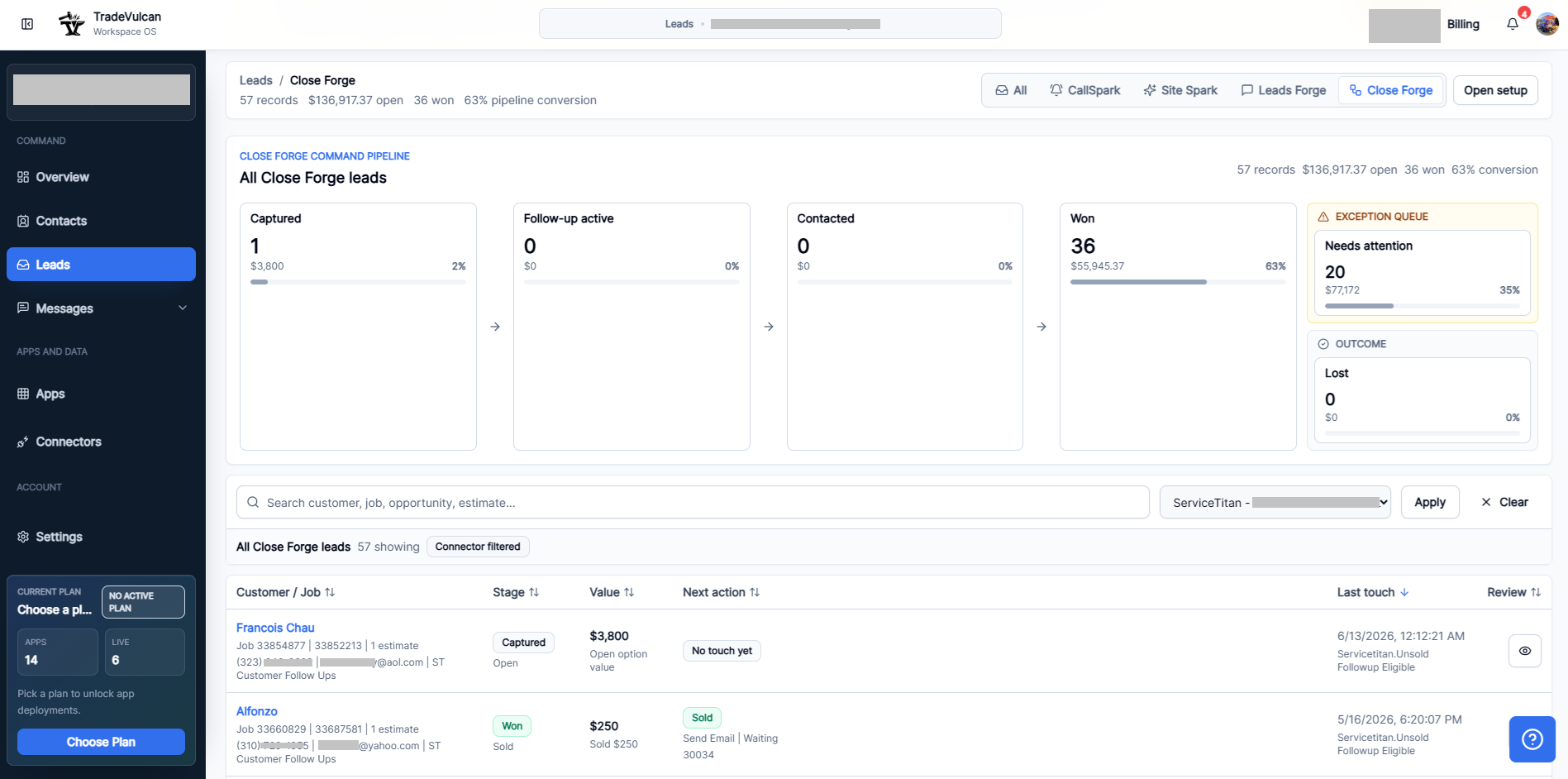
| Operate | Leads pipeline | Work the exception queue, review high-value records, and watch conversion from captured to won. |
| Optimize | Pipeline, contact records, templates, and run logs | Adjust messaging, timing, and review rules based on replies, failures, won work, and customer behavior. |
The owner playbook
- Start with one deployment. Use one CRM connector and one clear business unit or brand first. Do not create multiple live deployments until the first one is stable.
- Use the unsold estimate workflow first. It is the safest default for recovering recent open estimates.
- Keep the first touch helpful. Ask whether the customer received the estimate and whether they have timing, scope, option, or scheduling questions.
- Use SMS carefully. Texting should only run when the workspace has consent, compliance approval, a texting-ready number, and opt-out language.
- Use email for fuller context. Email is better when you need to include estimate summaries, proof, option comparisons, or longer explanation.
- Watch the exception queue daily. Failed, blocked, stopped, or skipped records are where revenue and setup issues surface first.
- Measure conversion weekly. Review captured records, active follow-up, contacted customers, won estimates, lost estimates, and needs-attention records.
What Close Forge can follow up on
Close Forge supports two core workflow templates:
- Unsold estimate follow-up: follows up after a completed job, estimate, opportunity, or CRM update indicates the customer still has open work that is not approved or won.
- Sold lower option / upgrade clarity: supports a more careful, review-oriented touch when the customer accepted a lower option and a higher option may still need explanation.
ServiceTitan deployments use polling reconciliation and ServiceTitan-derived eligible events. Other compatible CRM rails can use estimate webhooks or normalized estimate events when supported.
Daily command center
Recommended operating cadence
| Cadence | What to review | Best action |
|---|---|---|
| Every morning | Needs attention, failed messages, blocked records, and new captured estimates | Repair setup issues, open important records, and assign human follow-up where needed. |
| Midday | Active follow-up and fresh replies | Make sure customers who respond are handled by a person quickly. |
| End of day | Same-day estimate follow-up status | Confirm first touches ran and no high-value estimate is stuck without a next action. |
| Weekly | Won rate, lost rate, failed rate, reply quality, and message timing | Adjust templates, delays, eligibility filters, and manual review rules. |
| Monthly | Revenue recovered, source quality, team response quality, and CRM data hygiene | Decide whether to add another deployment, segment by trade, or tune offer language. |
Best-practice guardrails
- Do not promise discounts, availability, financing, warranty terms, or technician recommendations unless those details already exist in the estimate or your approved policy.
- Always include opt-out handling for SMS. The default opt-out line should remain clear and simple.
- Use quiet hours and send windows to keep outreach professional.
- Stop follow-up when an estimate is sold, the customer replies, a customer opts out, or another TradeVulcan app recently handled the same lead.
- Use human review for high-value estimates, sensitive option comparisons, or any workflow branch that uses AI-personalized copy.