
Campaigns launch after homeowners are already searching.
Electrical
Marketing Calendar
Marketing
Electrical Seasonal Campaign Calendar for service demand across the year
This electrical seasonal campaign calendar worksheet gives electrical teams a practical way to work the marketing leak before more demand slips out of the pipeline. Inside, you get panel safety and inspection themes, generator and outage-readiness prompts, and eV charger and lighting opportunities, so the next campaign, callback, quote, review, or proof request has a clear owner and a usable next step.
Campaigns launch after homeowners are already searching. Opens and clicks are measured while booked work stays disconnected. The fix is a repeatable handoff: use this resource to run the workflow manually first, then let TradeVulcan assign the next step, route the response, and measure whether the leak is closing.
Workflow
General
Stage
Get Leads
Asset
Electrical seasonal campaign calendar worksheet

Preview
Electrical Seasonal Campaign Calendar
What is included
What to plan around electrical seasonality
- Panel safety and inspection themes
- Generator and outage-readiness prompts
- EV charger and lighting opportunities
- Booked-job and reply measurement notes
Preview
- Panel safety note
- Generator readiness
- EV charger planning
- Lighting upgrade prompt
Manual process
How to run the calendar manually
- 1Choose one primary electrical service theme per month.
- 2Segment customers by service history, age of home, or prior estimate.
- 3Assign owners for campaign launch and follow-up.
- 4Review calls, forms, estimates, booked jobs, and replies after each campaign.
Where it breaks
Where the manual version breaks down
Opens and clicks are measured while booked work stays disconnected.
Follow-up is skipped when interest lands in a shared inbox.
Want this automated?
What TradeVulcan owns after the manual version works
General
TradeVulcan can route campaign response into the appropriate workflow when an electrical campaign exposes missed calls, estimate gaps, review needs, weak proof, or lead-response issues.
Related resources
Keep following the same revenue leak.

Featured
HVAC
Email Template
Marketing
HVAC Newsletter TemplatesNewsletter angles for tune-ups, filter changes, no-cool/no-heat prep, heat pumps, IAQ, and service-agreement reminders.Get LeadsOpen 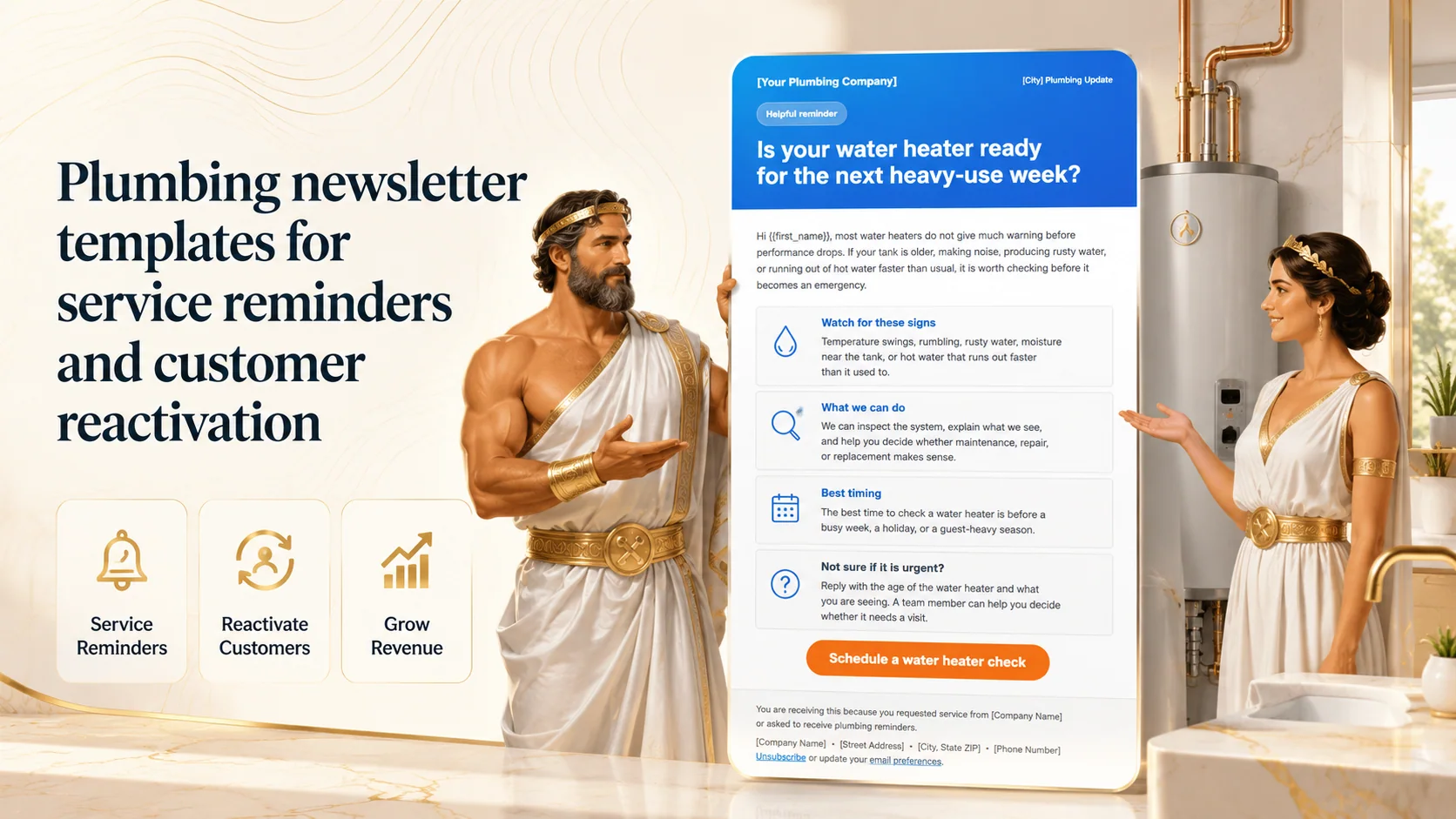
Featured
Plumbing
Email Template
Marketing
Plumbing Newsletter TemplatesNewsletter angles for water heater risk, drains, leaks, fixtures, and past-customer reactivation without sounding like a coupon blast.Get LeadsOpen Electrical
Email Template
Marketing
Electrical Newsletter TemplatesNewsletter prompts for panel safety, generators, EV charging, lighting upgrades, and seasonal load planning.Get LeadsOpen FAQ
Before you download.
Is this calendar written for electrical contractors?
Yes. It is built around services such as panels, generators, EV chargers, lighting, safety, inspections, and seasonal readiness.
Do I need TradeVulcan to use this resource?
No. The resource is useful as a manual asset. TradeVulcan becomes relevant when you want the next step - routing, ownership, follow-up, and reporting - to be repeatable.
Which TradeVulcan workflow does this connect to?
The calendar can connect to several workflows. The right next step depends on whether the campaign creates calls, estimates, reviews, proof, website bookings, or lead-response needs.