
Why this matters
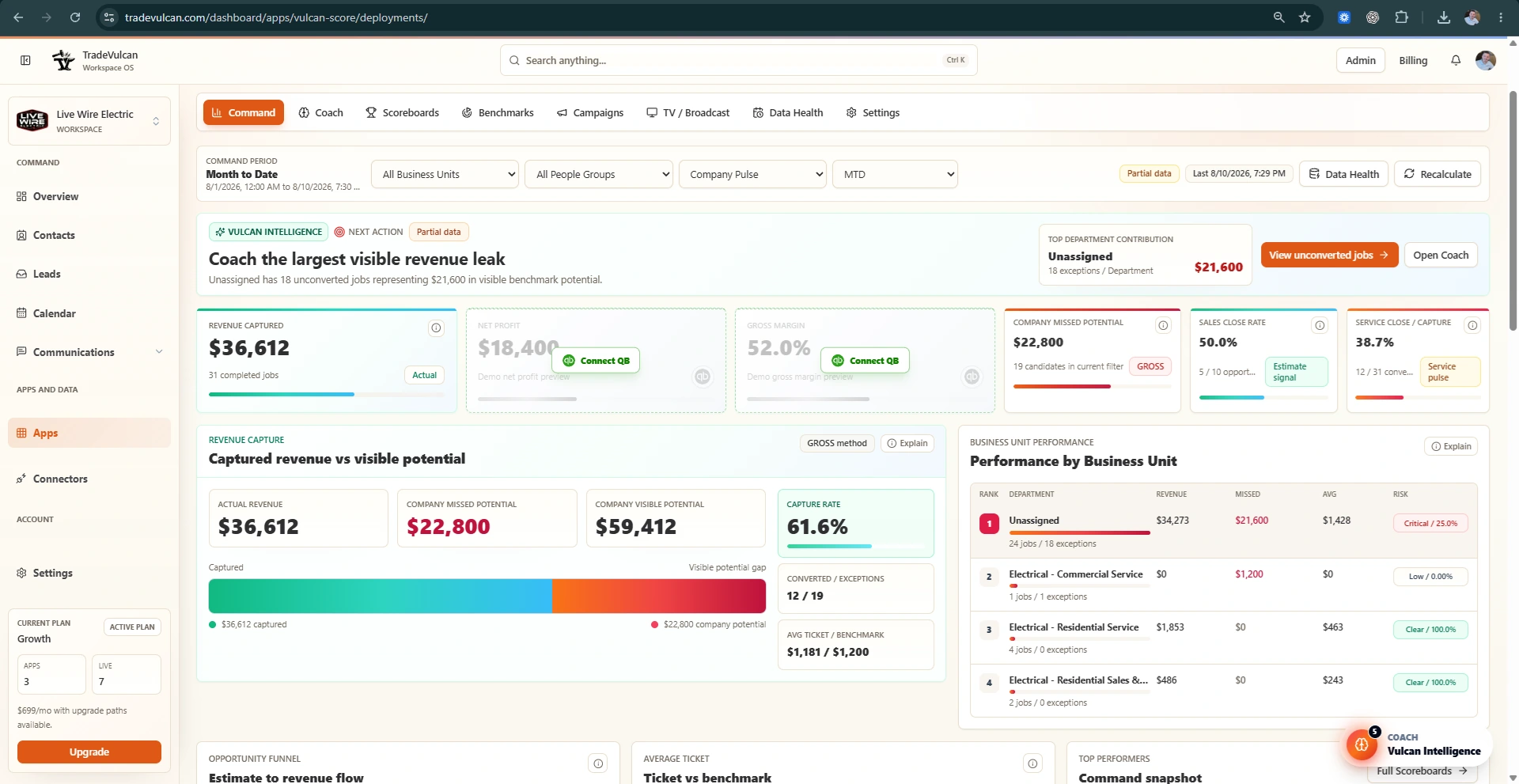
Vulcan Score can coach company-level revenue with one combined Business Unit, but it cannot reliably show which department is causing a margin, ticket, conversion, or missed-revenue problem until the CRM separates the work.
For most home-service companies, Business Units should make the operating model visible: Service, Sales or Replacement, Install, Maintenance, commercial or residential, major trades, and sometimes locations.
What a combined view hides
When every job rolls into one combined row, a low gross margin can be obvious while the real cause stays hidden.
| View | Revenue | Labor and material | Gross profit | Gross profit % | Net profit | What the owner can tell |
|---|---|---|---|---|---|---|
| Company combined | $220,000 | $143,000 | $77,000 | 35% | $8,000 | Margins are weak, but the source of the problem is unclear. |
What a departmentalized view reveals
| Department | Revenue | Labor and material | Gross profit % | Net profit | What Vulcan Intelligence can coach |
|---|---|---|---|---|---|
| Service | $120,000 | $48,000 | 60% | $28,000 | Service is healthy and is making up for weak install performance. |
| Install | $100,000 | $95,000 | 5% | -$20,000 | Install has high labor/material usage and needs pricing, scope, labor efficiency, or purchasing review. |
| Company total | $220,000 | $143,000 | 35% | $8,000 | The company is profitable only because Service is offsetting Install losses. |
Recommended ServiceTitan setup
- Create or review Business Units for the real departments managers coach: Service, Sales or Replacement, Install, Maintenance, and major trades or locations where needed.
- Keep names consistent. Avoid catch-all names such as General, Default, or Operations unless they are temporary cleanup buckets.
- Review Job Types so demand service calls, sales calls, install work, maintenance, callbacks, warranty, no-charge, and drain/sewer work are not all mixed together.
- Map Business Units and Job Types in Vulcan Score before using department benchmarks for goals, contests, or rewards.
- After changes, run a sync and use Data Health to confirm Business Unit and Job Type coverage improved.
Good naming examples
- Plumbing Service
- Plumbing Sales or Replacement
- Plumbing Install
- HVAC Service
- HVAC Install
- Drain and Sewer
- Commercial Service
- Residential Service