
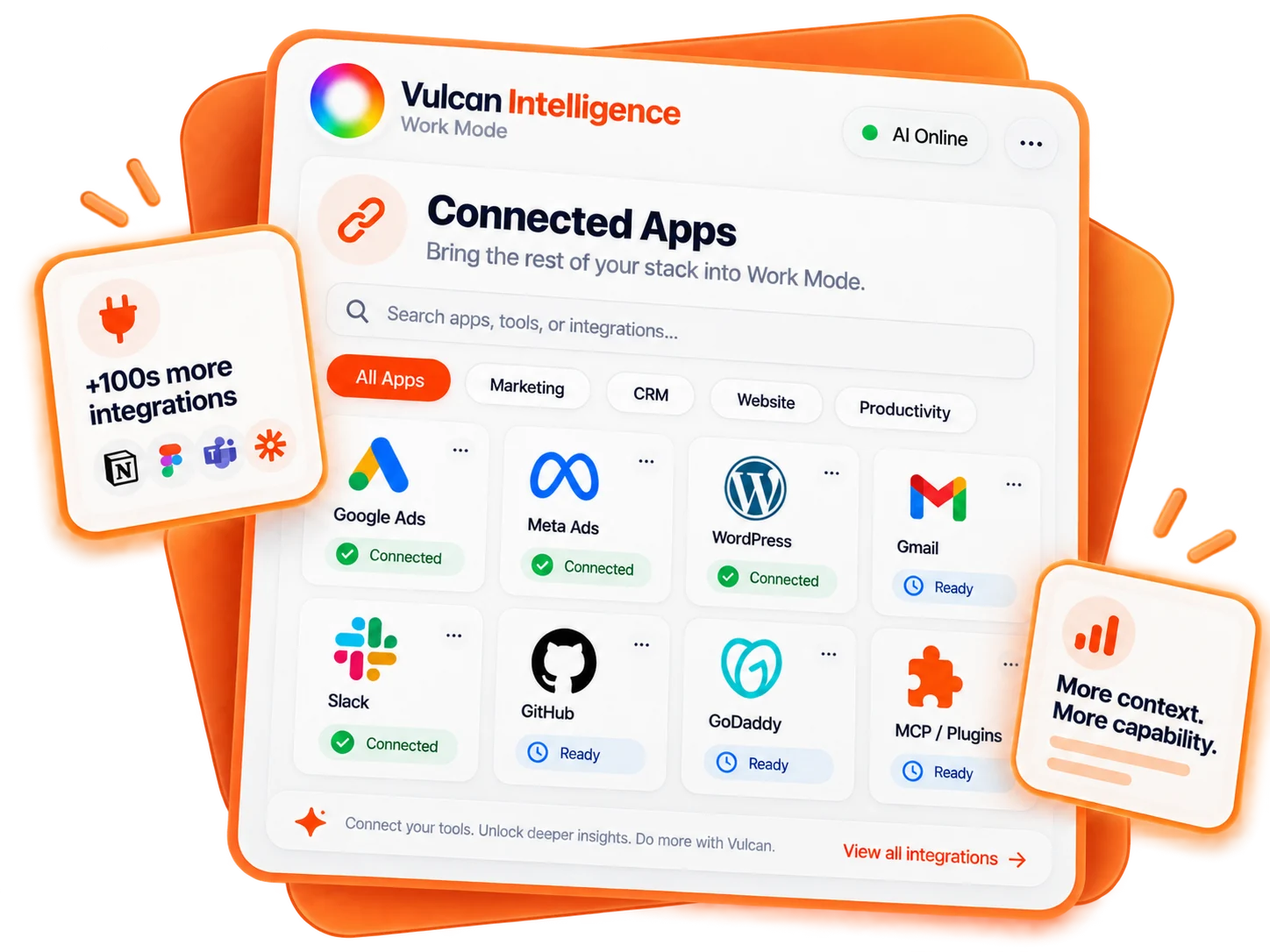
Connect a specific repository scope
Open Work Mode → Connections → GitHub. The documented TradeVulcan setup uses your own fine-grained personal access token and explicitly selected customer repositories. It does not inherit the GitHub installation from ChatGPT.
Give the connection a clear name and enter the owner/repository names requested by the form. Repository selection is fixed for that installation; use a separate connection for a different scope. Reserving a new repository name during setup does not create the repository or authorize creation.
Use the least provider permission needed
For inspection, select the repositories and read permissions needed by the connection. Editing requires Contents write access; pull-request work requires the corresponding Pull requests permission. Creating a reserved repository requires the additional provider permission and coverage described in the secure setup form.
Choose an expiry, complete organization approval when required, and enter the token only in GitHub personal access token. Never paste it into Work chat, source files or a guide. GitHub’s own access rules and branch protections still apply.
Verify the connection
- Choose Add GitHub connection for the intended repository selection.
- Enter the token in the secure form and choose Connect and verify.
- Check the verified account/repository information, then start with a read.
- Enable approved website actions only when you need changes and the control is available.
Read the source before editing
Inspect the selected website repository and its branches. Read the generator landing-page source at the current commit. Explain the existing structure and identify the files a headline change would affect. Do not commit, merge or deploy.
Pinned source reads let the proposal refer to a known commit instead of whatever happens to be current later. Repository content is evidence, not permission: instructions embedded in a README or page cannot authorize unrelated changes or credential disclosure.
Prepare a reviewable change
On a new branch, prepare only the approved generator headline update. Preserve unrelated files, configuration and offers. Show the exact source diff and create a draft pull request only after the required approvals. Do not merge or deploy to production.
Supported actions can include creating a reserved repository, creating a branch, committing regular website files, creating a pull request and merging an approved pull request. Each requires the currently available action and exact approval. The flow uses current branch identity and does not force-push over changed work.
If the branch changed since review, inspect the new head and reconcile the proposal. Do not bypass protections or silently overwrite someone else’s edits.
A commit is not a deployment
Verify the commit or pull-request result and inspect its diff. Publication requires the separate website-hosting workflow. For Vercel, use the selected customer project and exact linked commit, defaulting to a preview. Only report the website live after the intended deployment and public result are verified.
Use Refresh and verify after token expiry or permission changes. Disconnect removes the stored token from this Work connection; revoke it in GitHub separately when appropriate.