
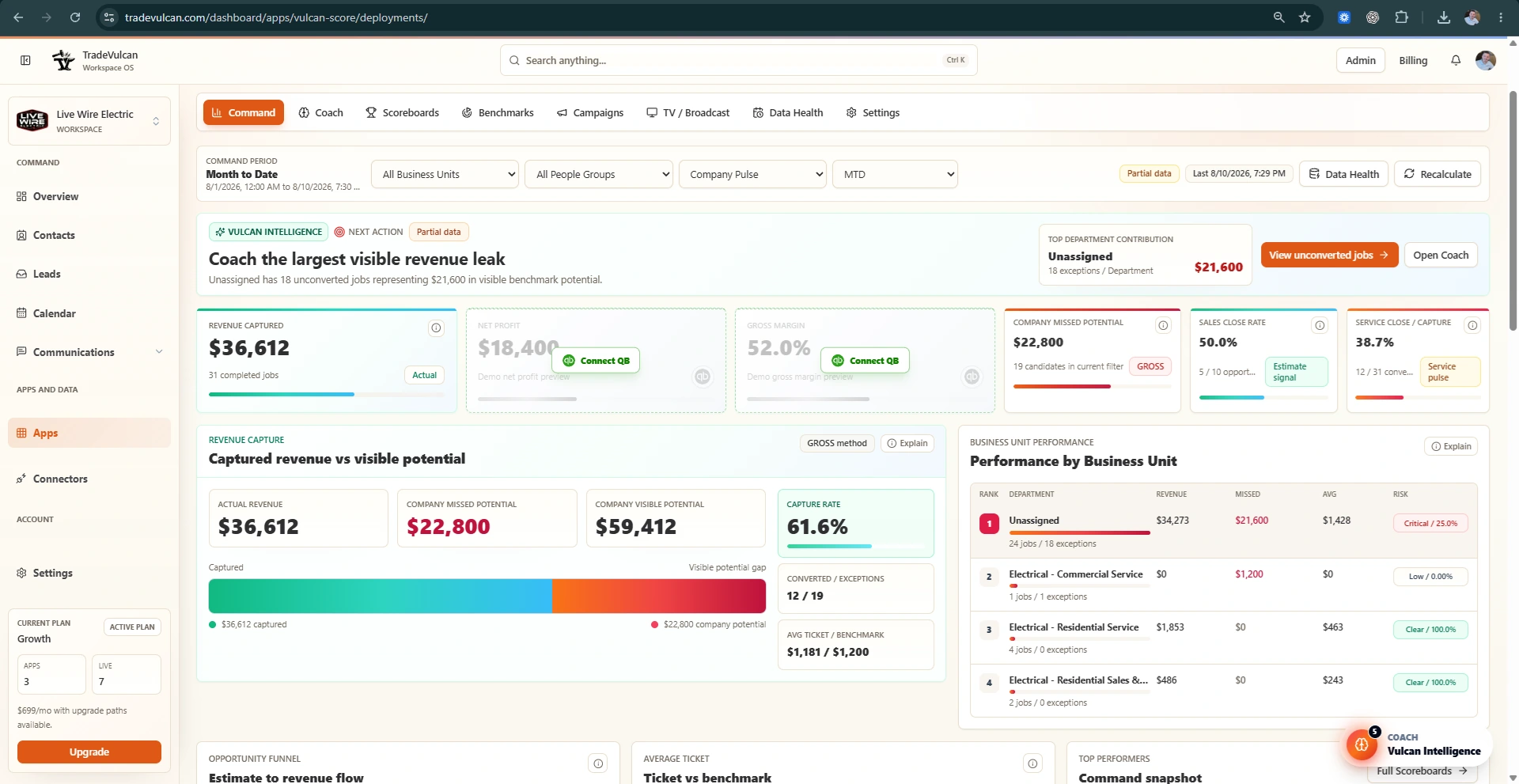
What KPI Profile Studio is for
KPI Profile Studio is where managers tune department targets. It replaces raw benchmark setup with a guided editor that shows current performance, recommended targets, Vulcan Intelligence warnings, and source-safety signals.
Use KPI Profile Studio when launching a department, changing a target, preparing a contest, reviewing rewards, or deciding whether a KPI is safe enough for team accountability.
Choose the right KPI Profile
The Department Profile selector controls which target group you are editing. Common profiles include Company / Owner, Residential Service, Commercial Service, Install Crew, Sales / Comfort Advisor, CSR / Dispatch, Electrical Service, Drain / Sewer, Plumbing Service, HVAC Service, HVAC Maintenance, and HVAC Install / Replacement.
Choose the profile that matches the department being coached. Do not use an Install target for Service coaching unless the CRM and job types clearly support that view.
How to read a target card
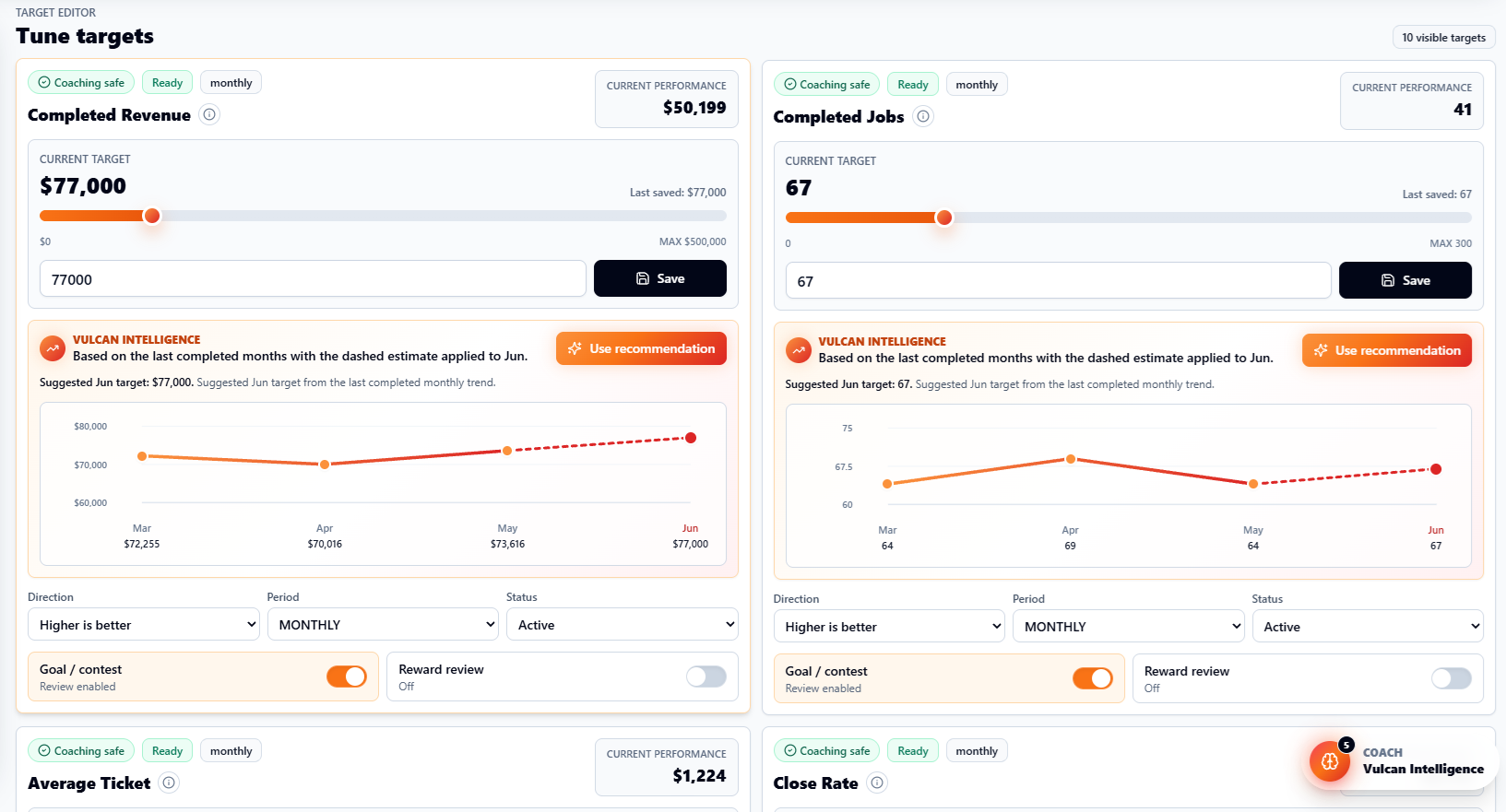
- Current performance: the current Month to Date or selected-period actual, based on normalized facts.
- Current target: the saved benchmark target for that KPI.
- Slider and input: a fast editor for changing the target without leaving the page.
- Vulcan Intelligence card: explains whether the target looks too easy, too aggressive, or unsafe.
- Forecast line: shows recent completed months and a dashed estimate for the current month when enough trend context exists.
- Goal / contest toggle: marks whether the KPI should be considered for goal or contest workflows.
- Reward review toggle: marks whether the KPI should be reviewed for reward use. This does not automatically pay anyone.
Using recommendations
When Vulcan Intelligence recommends a target, click Use recommendation. The recommendation may be based on built-in Vulcan targets, recent performance, or a blended method. The system should show the basis and ask for confirmation before applying a benchmark target from Coach.
Use recommendations as a manager-approved update. Vulcan Score does not automatically rewrite targets, goals, contests, rewards, CRM data, or formulas without your action.
Target safety rules
| Label | Meaning | Recommended use |
|---|---|---|
| Coaching safe | The KPI is useful for manager coaching. | Use in team review and follow-up. |
| Ready | The source and target appear usable. | Good candidate for goals. |
| Review target | The target may be too easy, too hard, or not aligned to current performance. | Review before launching goals or contests. |
| Review before rewards | The KPI needs extra trust before tying it to rewards. | Do not reward automatically. |
| Setup needed | The source facts or mapping are incomplete. | Open Data Health or setup docs first. |
Practical target-setting workflow
- Start with Month to Date current performance.
- Look at the last completed months when available.
- Compare current performance to the built-in Vulcan target.
- If current performance is already above target, raise the target before using it for contests.
- If the target is more than double current performance, use a more attainable 30% to 40% lift unless there is a clear budget or staffing reason.
- Save the target in the background and confirm the saved state.
- Recalculate Command if the updated target should affect missed potential or benchmark gaps.
When not to use a KPI for rewards yet
- The CRM has one broad Business Unit and department performance is directional.
- Estimate status or salesperson attribution is missing.
- QuickBooks Classes or COGS are inconsistent for profit KPIs.
- CSR call attribution is incomplete.
- The KPI is unsupported by the current connector facts.