
Overview
Vulcan Score is the performance operating system for trade businesses. It brings together CRM facts, KPI profiles, benchmarks, scoreboards, TV displays, campaigns, rewards, QuickBooks profitability, and Vulcan Intelligence coaching so managers can decide what to inspect, coach, and improve next.
A good launch has three outcomes: the right source systems are connected, the numbers are trusted enough for coaching, and the team knows which view to use every day.
Launch checklist
- Create or open the Vulcan Score app deployment for the workspace.
- Connect the CRM source. ServiceTitan and Housecall Pro can feed job, estimate, employee, business unit, and job type facts when the connector has access.
- Run the first sync and wait for Data Health to show the latest completed sync.
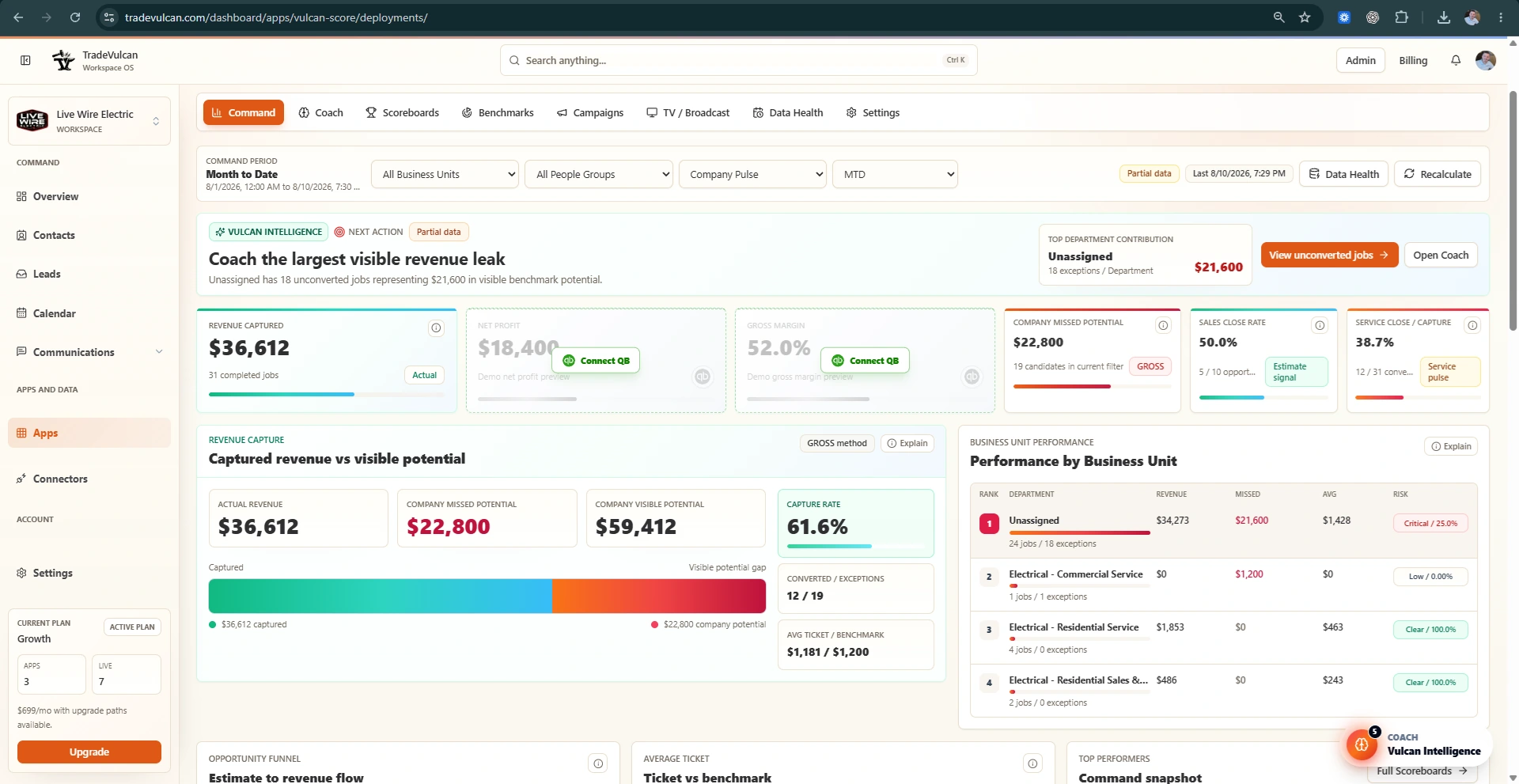
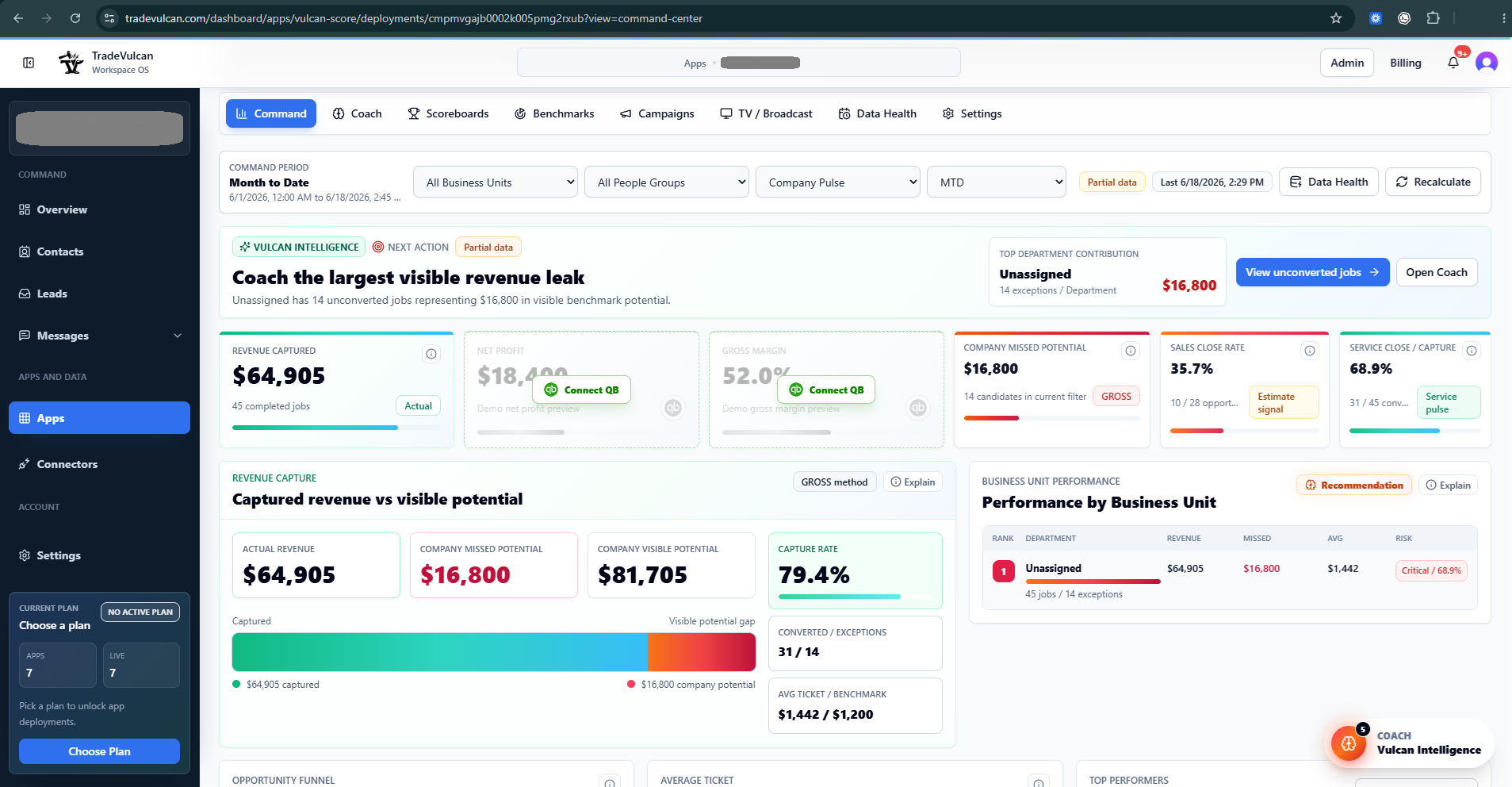
- Open Command and confirm the default range is Month to Date. Command should show revenue captured, profit cards if QuickBooks is connected, missed potential, sales close rate, and service close or capture rate.
- Review Business Unit and Job Type coverage. If all work is in one combined bucket, use the setup guidance before treating department benchmarks as precise.
- Open KPI Profile Studio and choose the department profile that matches the operating view managers coach: Company, Service, Sales, Install, CSR / Dispatch, or a trade-specific profile.
- Review current targets, current performance, and Vulcan Intelligence recommendations. Apply recommendations only when they make sense for your market and operating model.
- Connect QuickBooks Online when you want gross margin, net profit, P&L coaching, and accounting readiness guidance.
- Create TV displays for the shop, office, install bullpen, CSR area, or manager screen.
- Use Scoreboards, Campaigns, Contests, and Rewards only after the KPI is source-safe for that use case.
What to check after the first sync
- Jobs: completed jobs should match the expected period and business units.
- Revenue: completed revenue should match the CRM source for the same period and filters.
- Estimates: sold/open status should be present before sales close rate becomes coaching-safe.
- Business Units: departments and trades should be separated enough for department coaching.
- Job Types: demand service, install, sales, maintenance, warranty, callback, and no-charge work should not all look the same.
- People: technicians, CSRs, salespeople, and teams should map to the right scoreboards or people groups.
- Accounting: QuickBooks Classes should match departments if you want meaningful department gross margin and net profit.
Recommended launch order
- Day 1: Connect CRM, run sync, verify Data Health, and inspect Command.
- Day 2: Clean Business Unit, Job Type, estimate, and technician assignment issues that affect coaching quality.
- Day 3: Tune KPI Profile targets for the first operating department.
- Week 1: Launch scoreboards and TV displays for visibility.
- Week 2: Add contests, rewards, and campaigns only for KPIs that are safe enough for the intended use.
Common launch mistakes
- Using one combined Business Unit for every department and expecting department benchmarks to be precise.
- Using sales close rate before sold estimate status and salesperson attribution are reliable.
- Using QuickBooks profit KPIs for rewards before Classes and cost categories are consistently applied.
- Turning every KPI into a contest before the team understands the number and trusts the source.
- Skipping Data Health when a sync is partial, stale, or missing a domain.