
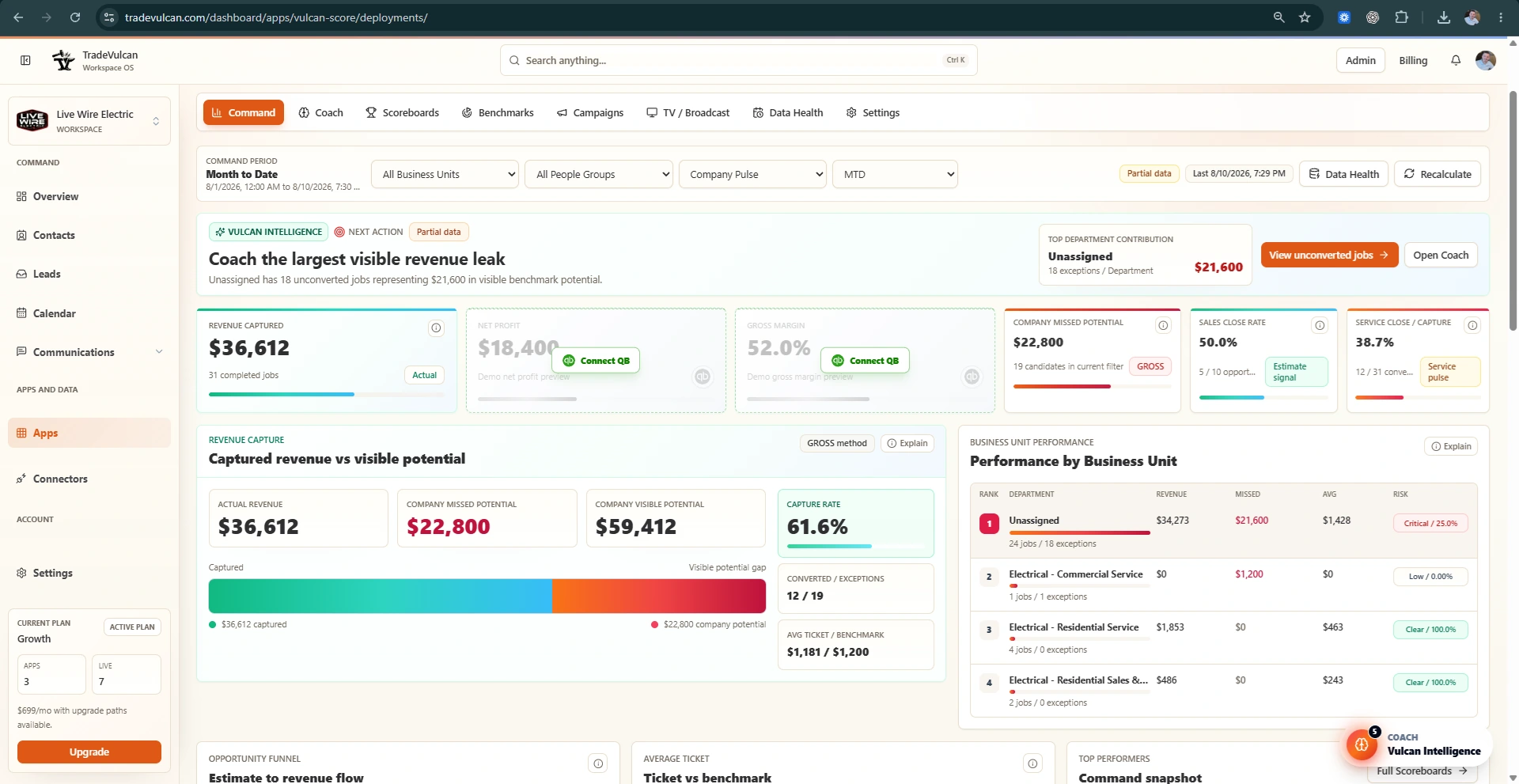
What TV / Broadcast is for
TV / Broadcast turns Vulcan Score into a live team display. Use it on shop TVs, office screens, install bullpen displays, CSR walls, and leadership monitors to keep scoreboards, contests, rewards, and performance visible.
Create a display
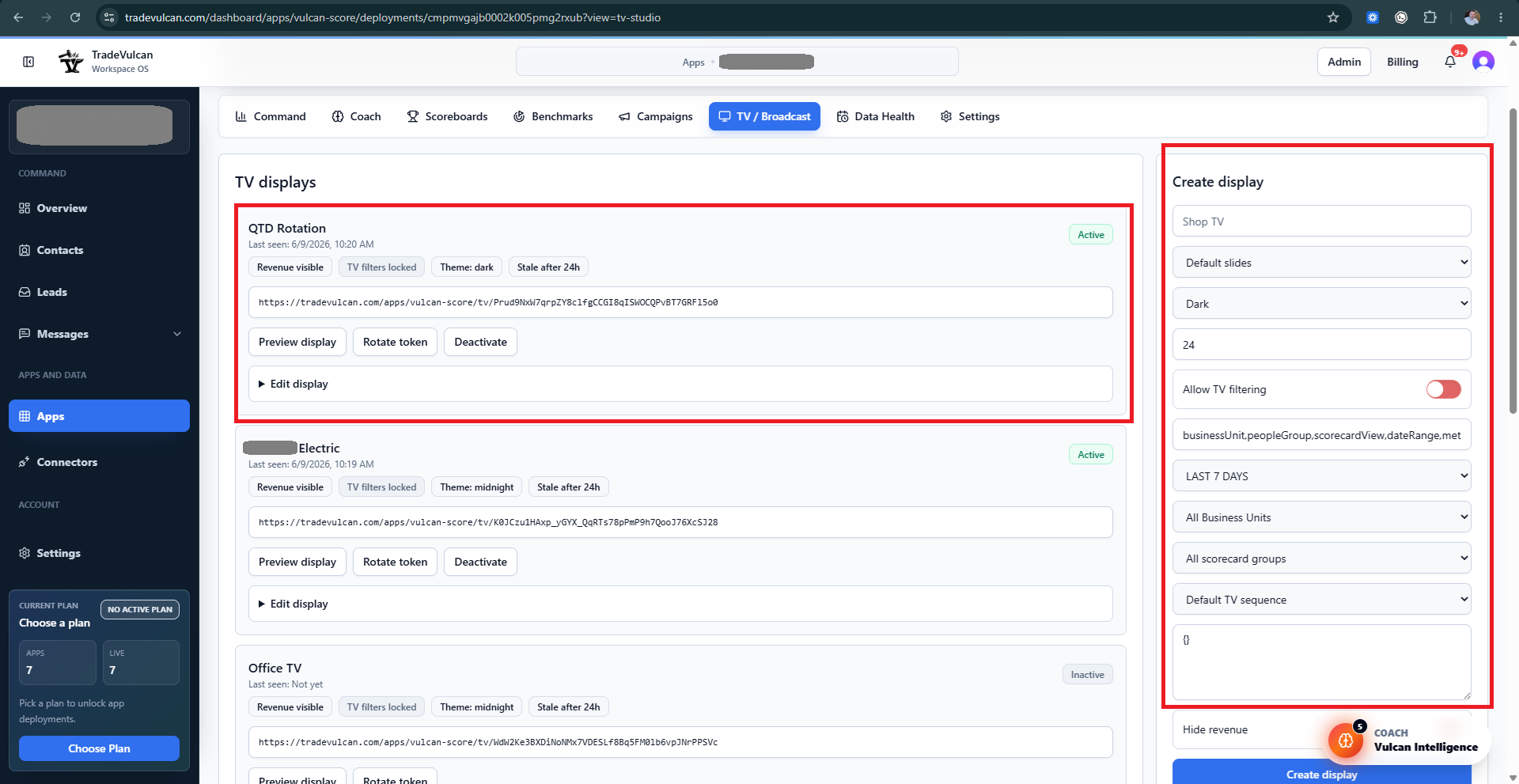
- Open Vulcan Score and choose TV / Broadcast.
- Name the display using a location or purpose, such as Shop TV, CSR Wall, Install Bullpen, or Manager Overview.
- Select the slide sequence. Default slides are a good starting point.
- Choose the visual theme. Dark themes are usually best for wall displays.
- Set stale-after timing so the screen shows when data is old.
- Decide whether TV filtering is allowed. Lock filters for public team displays.
- Choose date range, Business Unit, people group, and slide sequence defaults.
- Use Hide revenue if the display is public or customer-facing.
- Create the display and open the preview link.
Recommended displays by team
| Display | Best slides | Notes |
|---|---|---|
| Shop TV | Company overview, leaderboard, contests, rewards | Use for morning huddle and team energy. |
| CSR Wall | CSR / Dispatch, booking, abandoned calls, source performance | Use only when call facts are available. |
| Install Bullpen | Install scorecards, install goals, contests | Use install-specific filters and hide unrelated service metrics. |
| Manager Screen | Command-style overview, Business Unit performance, goals | Revenue can remain visible if access is appropriate. |
Common slide types
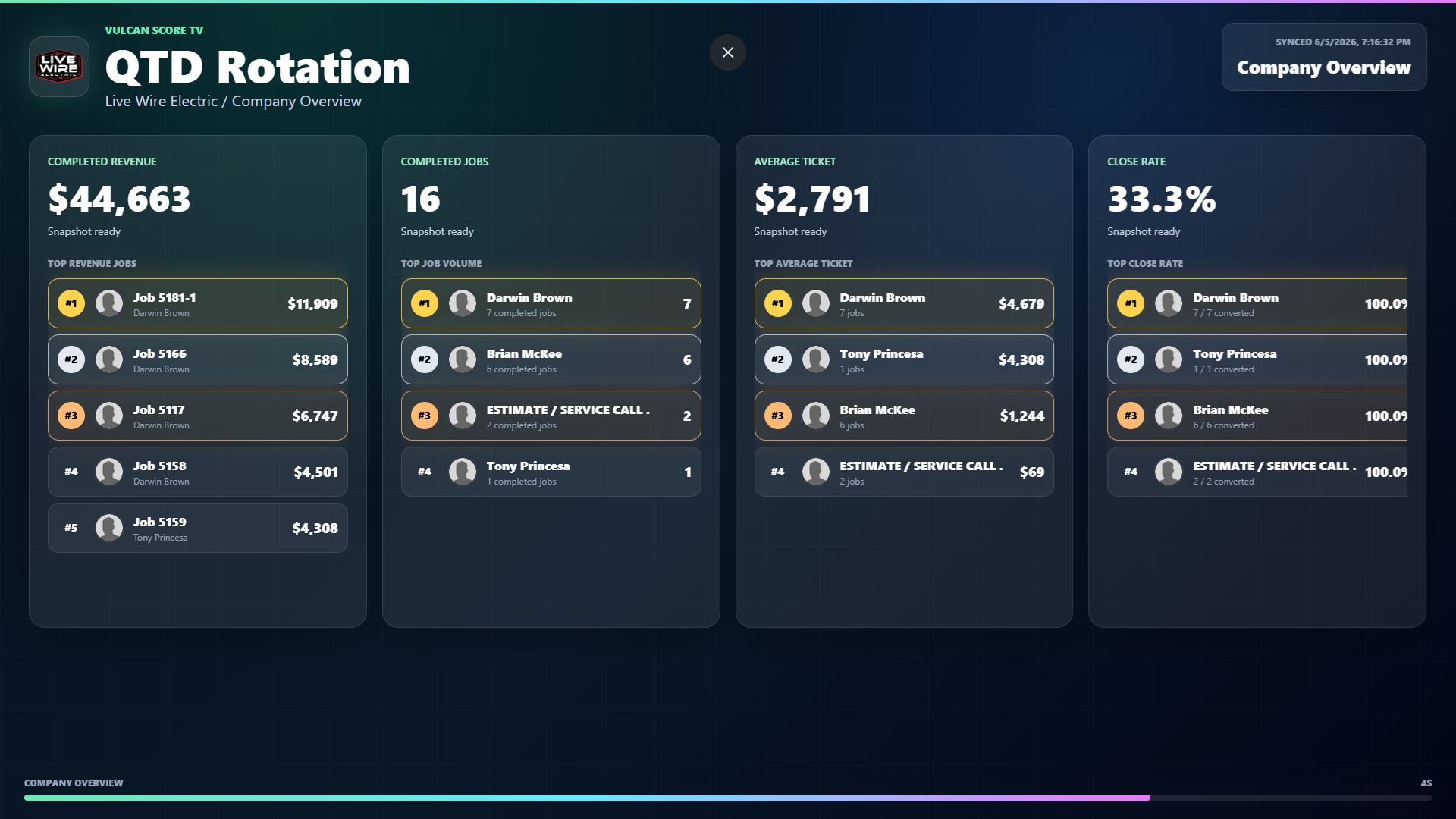
- Company overview: completed revenue, jobs, average ticket, close rate, and top performers.
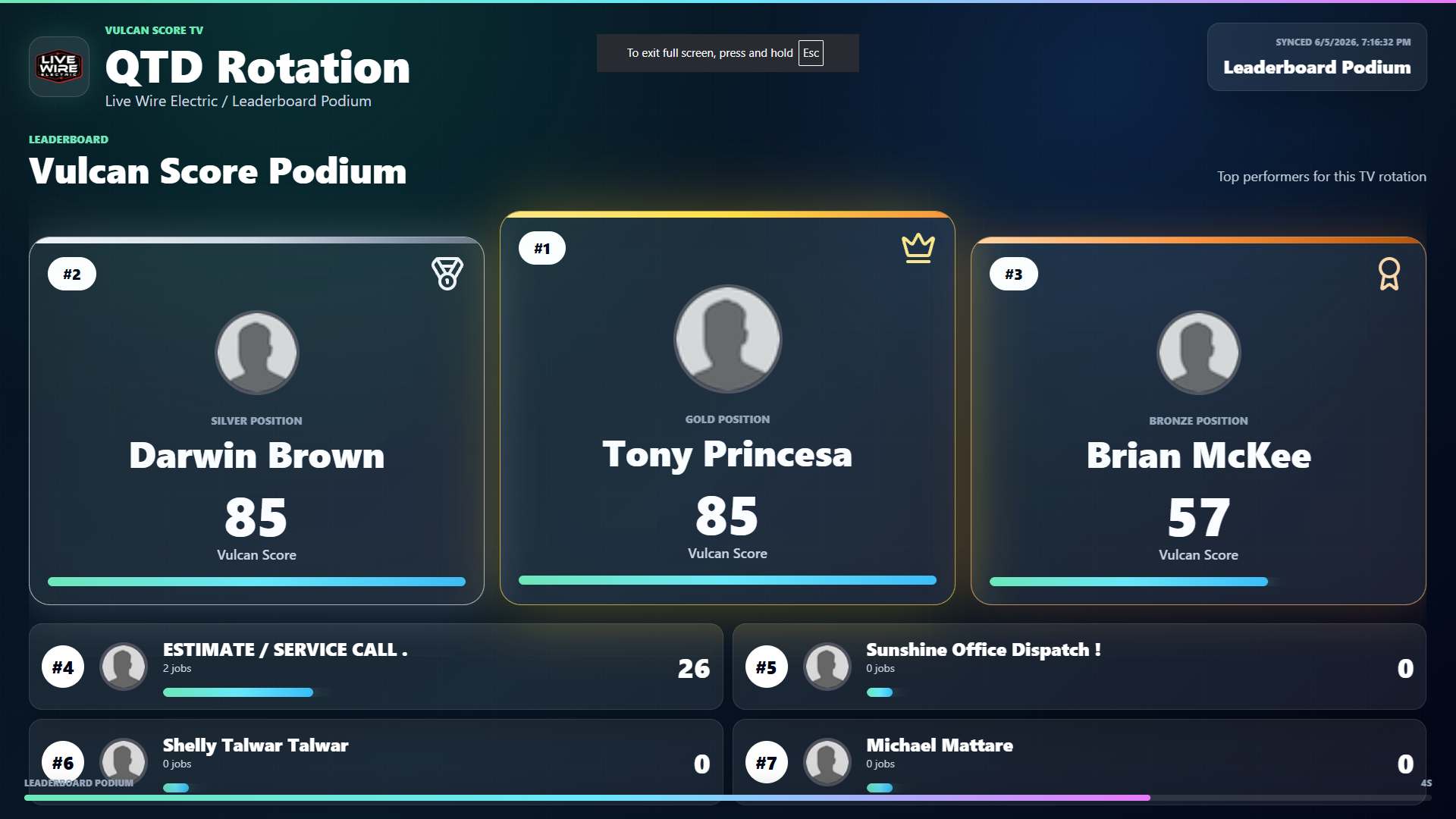
- Leaderboard podium: top performers with a high-energy podium layout.
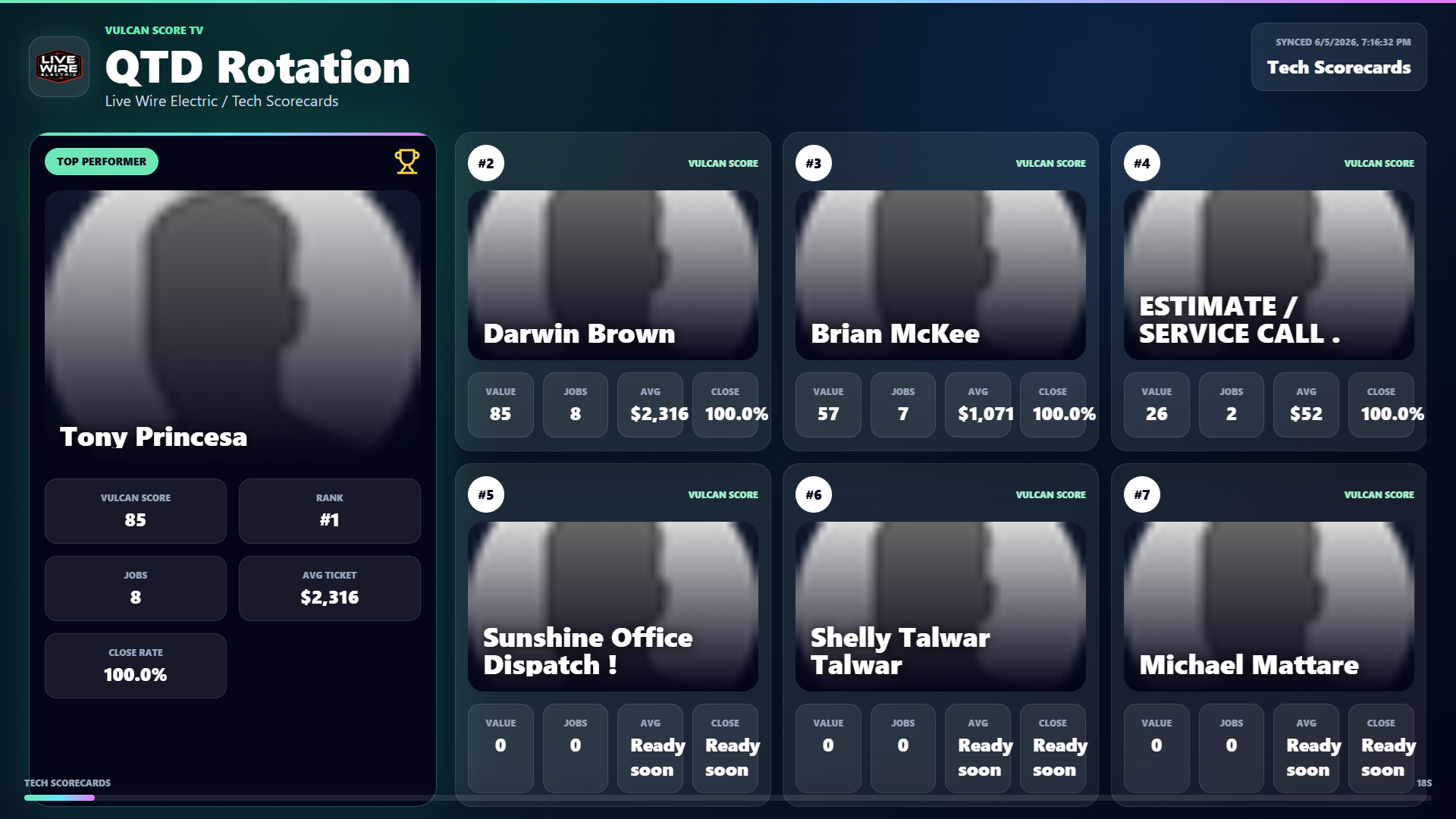
- Scorecards: individual or team cards with rank, value, jobs, average ticket, and close rate.
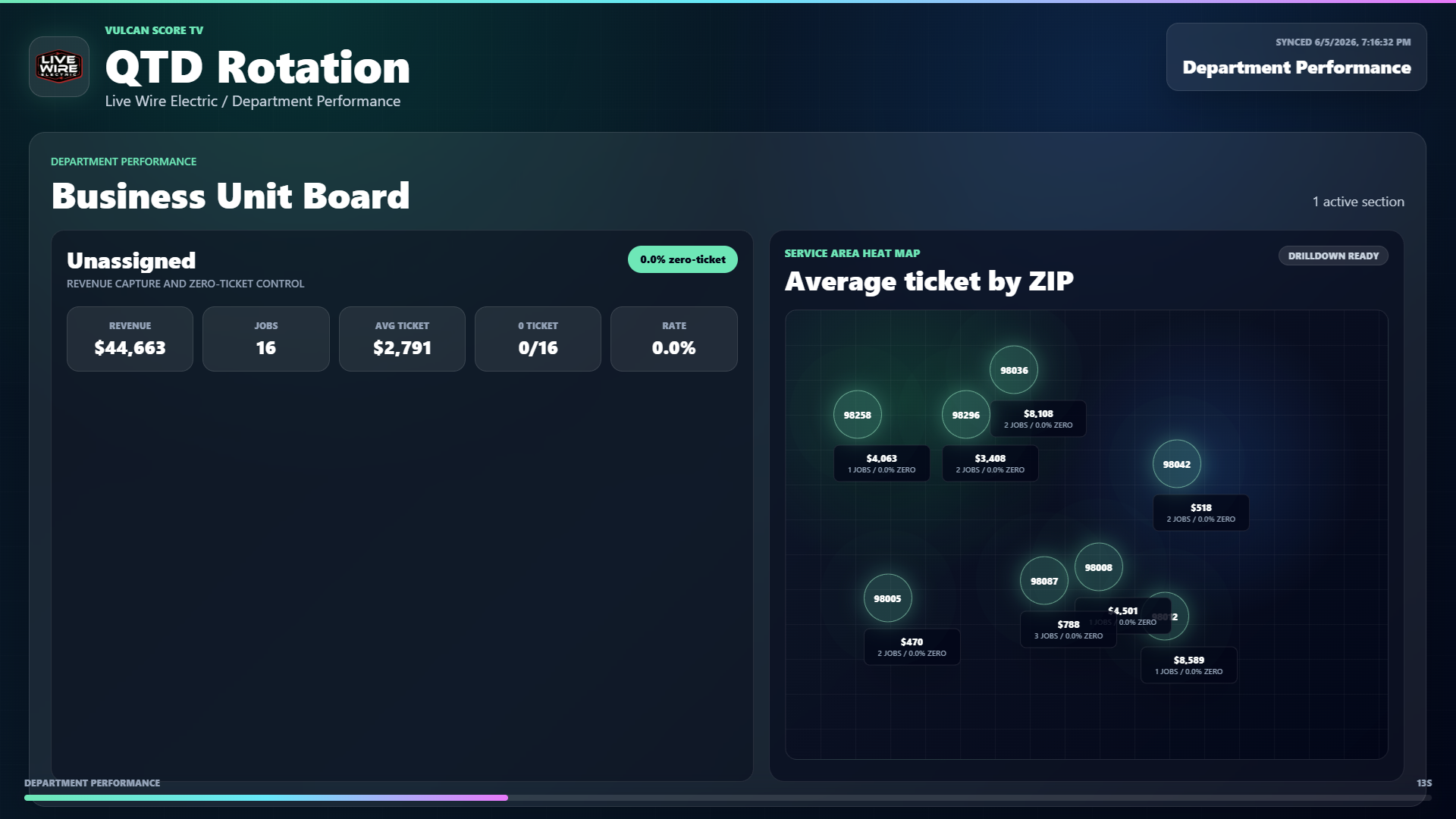
- Business Unit board: department or trade performance with revenue, jobs, average ticket, and zero-ticket control.
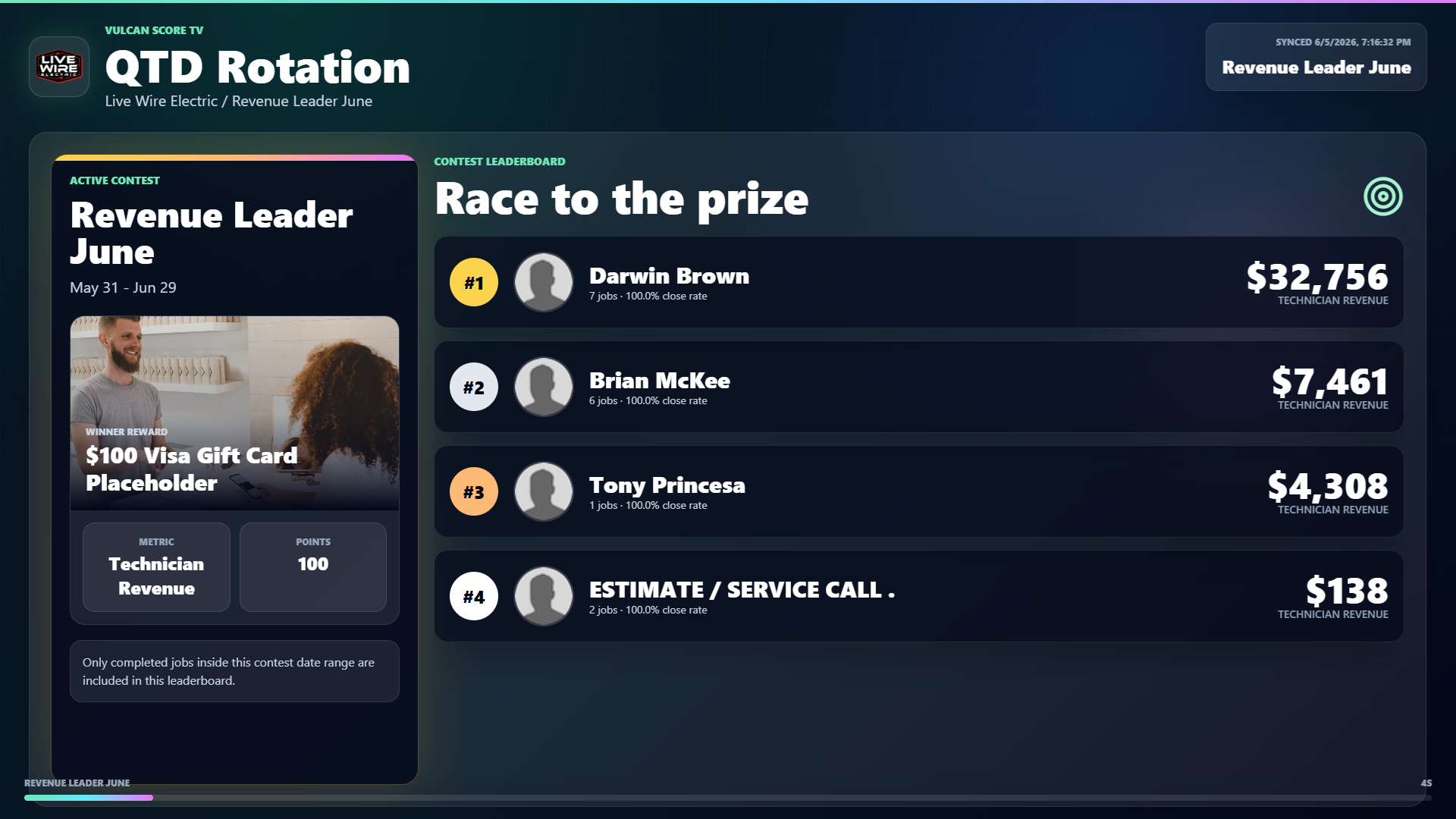
- Contest leaderboard: active competition standings and reward context.
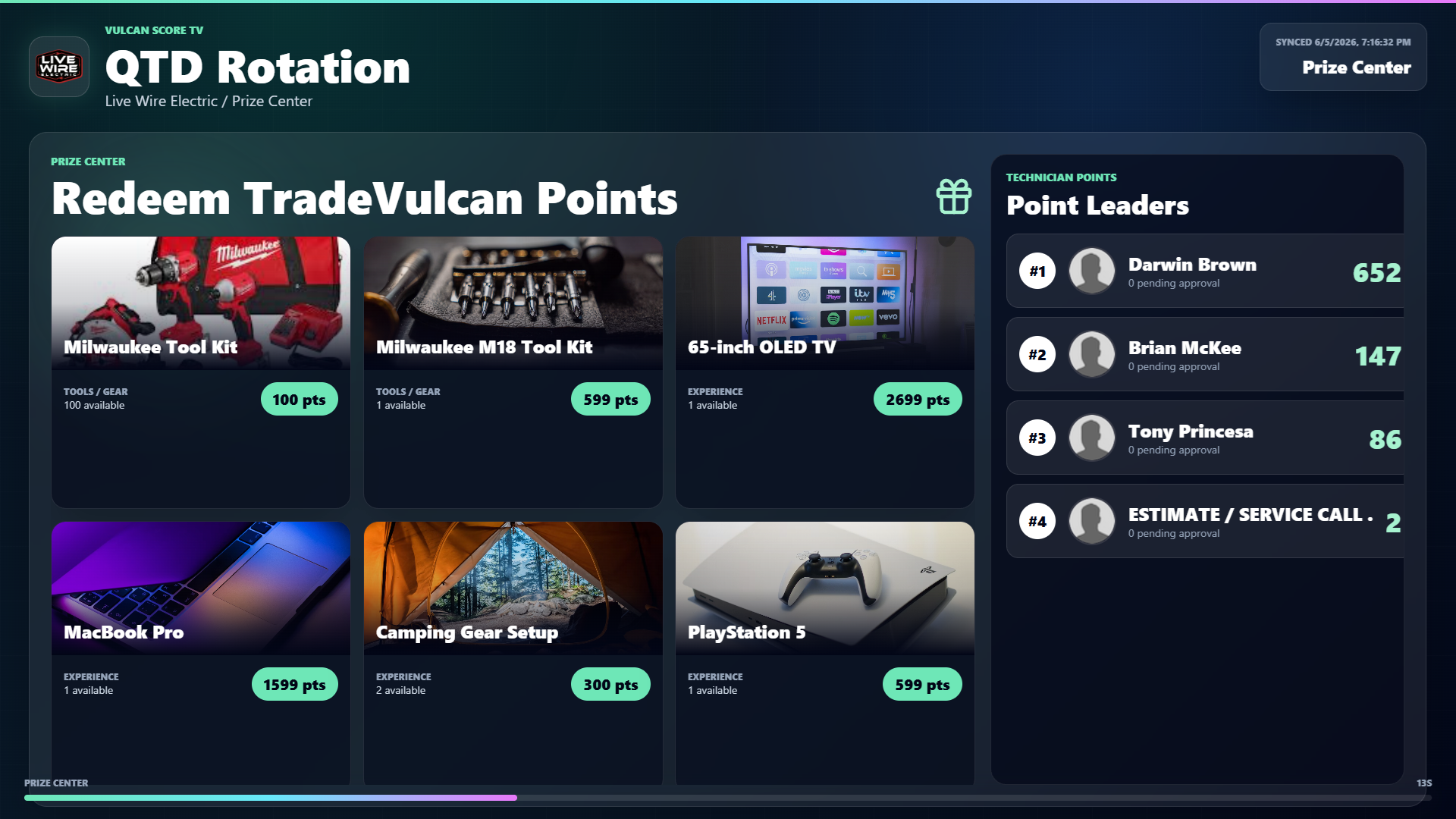
- Prize center: rewards available and point leaders.
Privacy and safety
- Use Hide revenue for public or broad team displays when compensation, margin, or revenue should not be exposed.
- Lock filters for TVs that anyone can access.
- Rotate display tokens if a link was shared too widely.
- Deactivate old displays that are no longer used.
Operating rhythm
TV mode works best when managers explain what the screen means. Pair displays with a daily huddle, weekly scoreboard review, and active contests or recognition. A TV without a coaching habit becomes decoration. A TV with the right operating rhythm becomes the scoreboard for the business.