
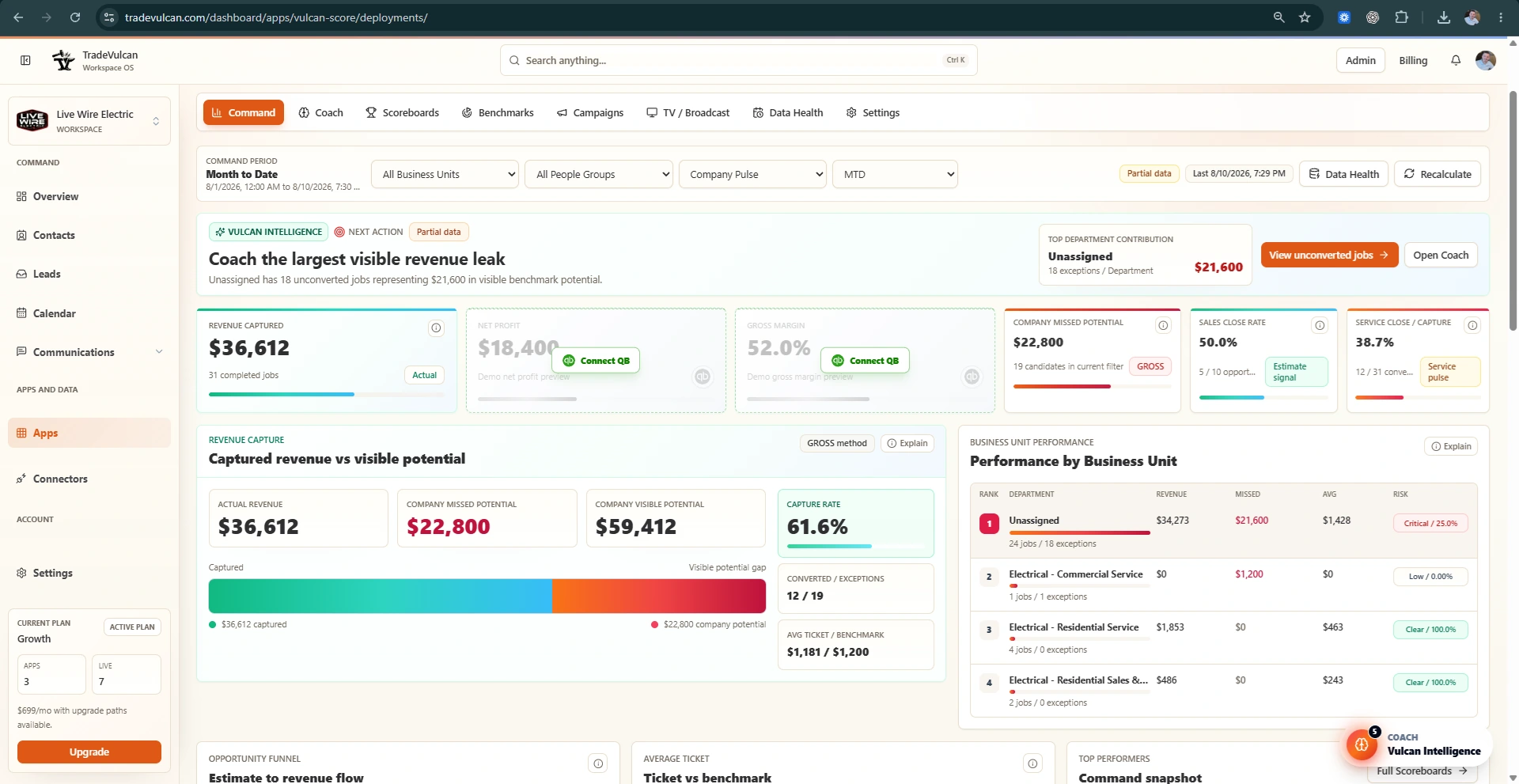
What Vulcan Intelligence does
Vulcan Intelligence is the coaching layer inside Vulcan Score. It reads the current KPI state, benchmarks, Data Health, CRM setup, QuickBooks signals, call facts, and scoreboards, then ranks the next actions a manager should consider.
The Coach is designed to sound like a helpful operating partner: practical, friendly, evidence-aware, and focused on what to do next.
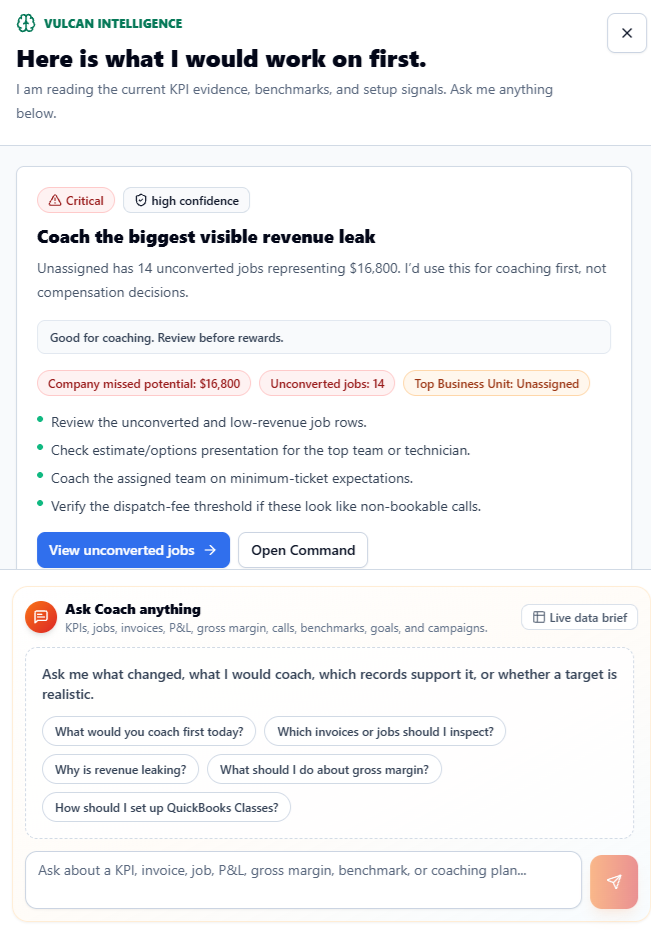
Where Coach appears
- Floating Coach orb: opens the persistent side rail from Vulcan Score pages.
- Coach tab: shows the full Vulcan Intelligence operating center, setup radar, saved intelligence, and advanced workflows.
- Recommendation buttons: appear on KPI cards or panels when Vulcan Intelligence has something specific to explain or apply.
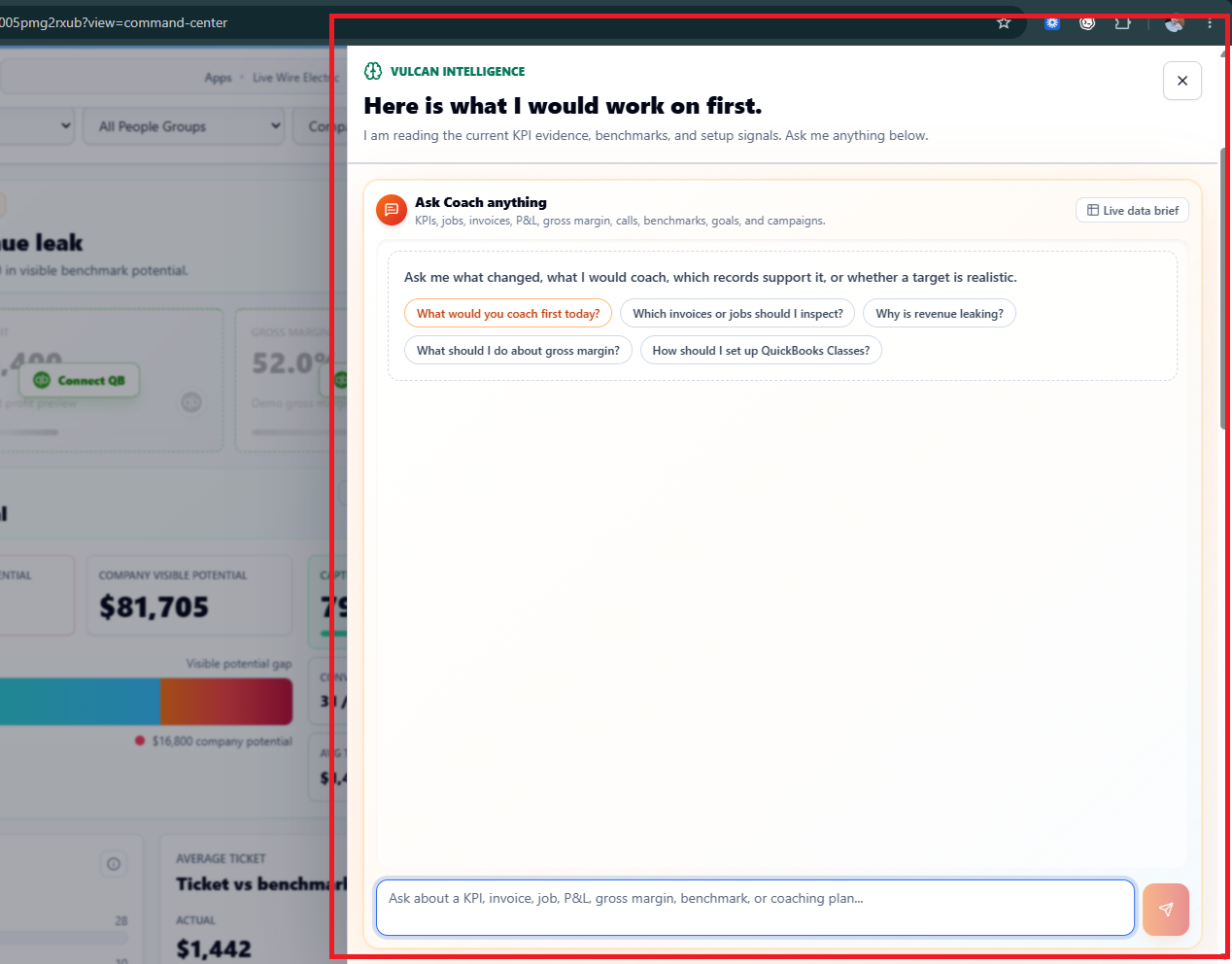
- Ask Coach chat: lets managers ask questions about KPIs, jobs, invoices, P&L, gross margin, calls, benchmarks, goals, and campaigns.
What to ask Coach
- What would you coach first today?
- Which invoices or jobs should I inspect?
- Why is revenue leaking?
- What should I do about gross margin?
- How should I set up QuickBooks Classes?
- Is this KPI safe for rewards?
- Which department is hiding the problem?
How Coach ranks actions
Coach looks for impact, confidence, actionability, source readiness, and view relevance. A visible revenue leak with strong evidence will usually outrank a setup warning. A low-confidence data setup issue will rise when the data is too messy to make department coaching safe.
Evidence in Coach responses
Coach responses may include evidence chips, mini KPI cards, tables, and Vulcan Intelligence cards. Evidence can include counts, dollar values, percentages, source status, benchmark values, and authorized drilldown rows. Included phone numbers and email addresses remain complete. Coach uses only records you are authorized to access and does not expose raw connector payloads, raw CRM JSON, or secrets.
What Coach can help with
| Area | Coach can explain | Best next action |
|---|---|---|
| Revenue leaks | Unconverted jobs, missed potential, low-ticket patterns, and top departments. | Open Command evidence and inspect the exception queue. |
| Benchmarks | Targets that may be too easy, too aggressive, or unsafe for contests. | Open KPI Profile Studio and tune the target. |
| QuickBooks | Gross margin, net profit, P&L quality, Classes, and department profitability. | Review P&L readiness and accounting setup. |
| CSR / Dispatch | Booking rate, abandoned calls, source performance, and agent attribution when call facts are available. | Open CSR / Dispatch or Data Health. |
| Data trust | Partial data, stale syncs, missing facts, mapping confidence, and reward safety. | Open Data Health or the relevant setup guide. |
Coach safety labels
- Good for coaching: the signal is useful for manager review and coaching.
- Directional: use it to guide inspection, but do not treat it as precise department accountability.
- Review before contests: verify source and target quality before gamifying.
- Review before rewards: verify the KPI, formula, mapping, and source confidence before tying it to rewards.
Manual saved intelligence
The Coach tab may still include saved AI cards and advanced generation workflows. Those are archives and manager-reviewed workflows. The live Coach brief is the primary operating brain.