
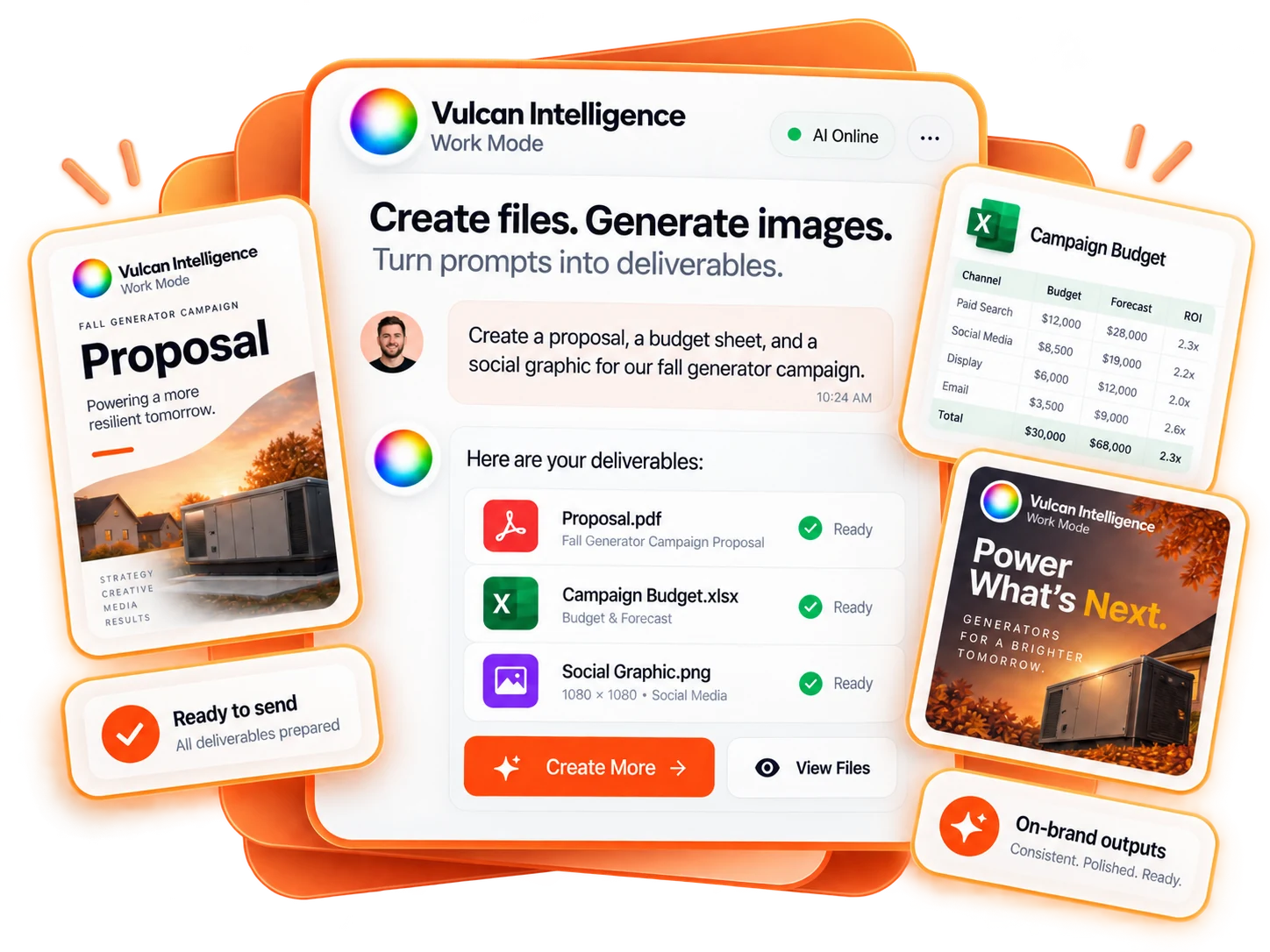
Ask for the file you need
State the intended output format and purpose: a PDF report, editable Word document, Excel workbook, CSV export or generated image. Work uses the corresponding deliverable path for an explicit request rather than pretending that a code snippet or invented URL is a saved file.
File generation is a separate task from editing an app. It does not need a change plan merely to produce a report, and it does not authorize emailing, publishing or installing the result elsewhere.
A report prompt with useful requirements
Create a PDF and an editable Word version of the campaign analysis we just verified. Include an executive summary, the reporting period, metric definitions, findings, source notes and a prioritized action list. Keep missing data marked as unavailable, not zero. Do not send either file.
Finish the underlying analysis first. A polished report should not make an unsupported metric look more certain. Preserve dates, units, currency, source limitations and the distinction between observed results and recommendations.
Use spreadsheets for structured data
Create an Excel workbook with Campaign results, Definitions and Recommended actions sheets. Keep spend and conversions as typed numbers, include the source and date range, and label any calculations. Do not invent revenue or add external workbook references.
The supported spreadsheet path accepts structured sheets and a restricted set of local formulas. It is not a general macro, external-data refresh or arbitrary code execution environment. Inspect formulas and totals after opening the workbook, particularly when source rows are incomplete.
For a CSV, specify one table and the required headers. A CSV is data, not a designed report. Keep IDs and other values that must not be reformatted recognizable to the recipient.
Generate or edit images deliberately
For a new image, describe the subject, purpose, layout and essential text. For an edit, attach or select the actual image reference and say what must remain unchanged. An instruction to modify “the previous image” needs a real authorized reference, not an imagined picture.
If the reference is missing, upload or select it. Work should not substitute an original generation and claim it edited your image. Review logos, faces, text and technical details before using the result publicly.
Read the file card state
Queued means generation is in progress. Ready means a saved file is available through the returned link. A failed or interrupted job is not a finished deliverable. Use only the actual file link or card; do not trust an invented path in prose.
For iterative image edits, identify whether you want the latest saved result or the original upload. Keep earlier approved versions available when a specific version matters.
Review before distribution
Check the file opens and matches the requested format. Read its claims, captions, dates and sensitive content. Generated images are not documentary proof of a customer project or employee. Generated policies or estimates need the responsible person’s review.
Creating a document is not saving an estimate in a CRM. Generating ad creative is not uploading it to Meta. A separate supported action, explicit request and appropriate approval are needed for those effects.