
Overview
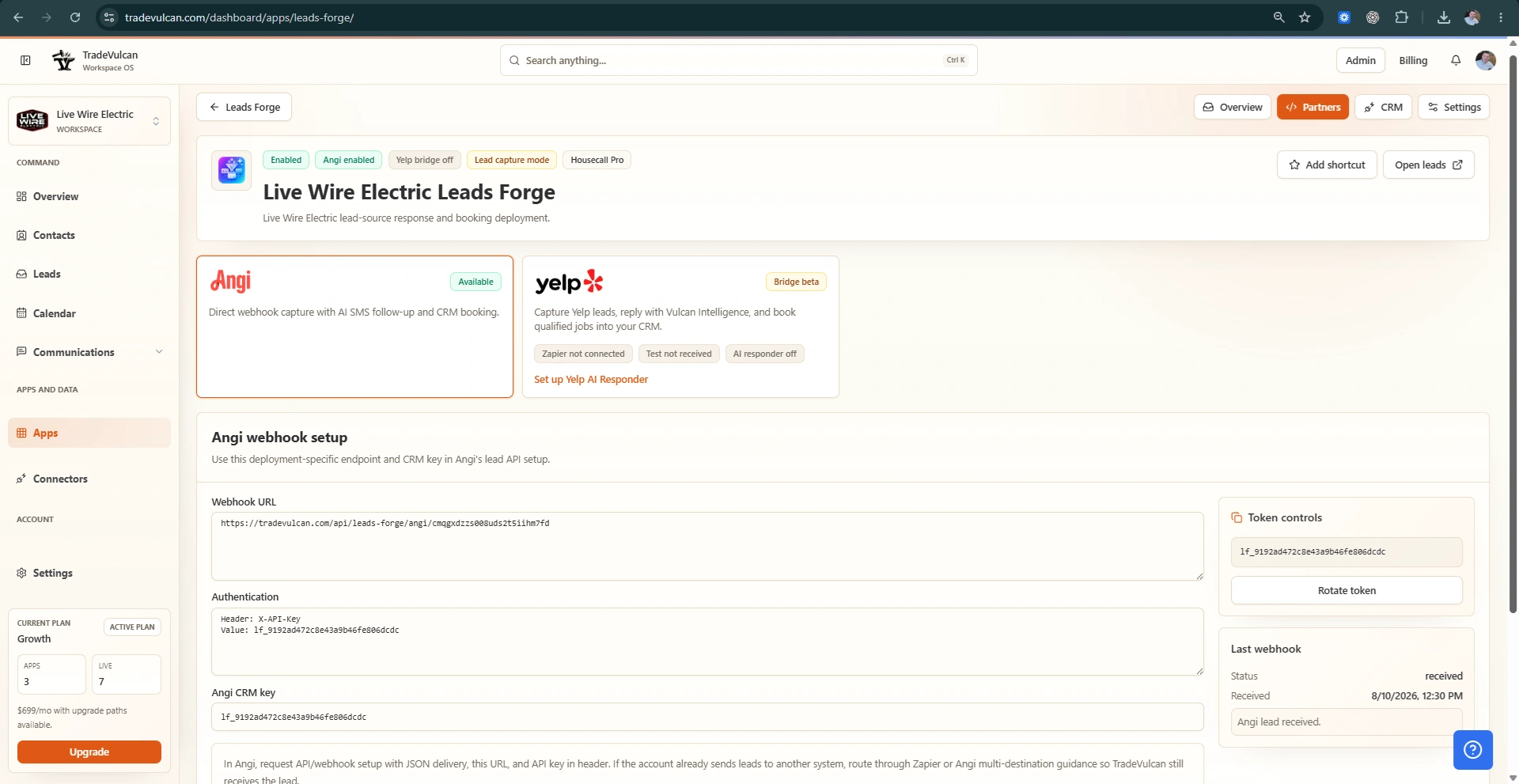
Leads Forge creates deployment-scoped Angi webhook endpoints and CRM keys, logs incoming partner leads in the Unified Leads Center, sends compliant AI-guided SMS replies, and can book qualified requests into ServiceTitan or Housecall Pro when mapping is enabled.
Core features
- Capture Angi lead API/webhook requests into the unified inbox
- Auto-respond with STOP-aware SMS and AI booking guidance
- Use deployment-scoped CRM settings for ServiceTitan or Housecall Pro
Setup checklist
- Create a Leads Forge deployment
- Paste the deployment webhook URL and CRM key into Angi's API setup
- Confirm SMS consent handling and CRM booking mappings
Compatible connectors
This app can use: SERVICETITAN, HOUSECALLPRO.
Launch notes
After setup, monitor the app dashboard for deployment status, recent activity, skipped work, and customer records that need human review.