
Overview
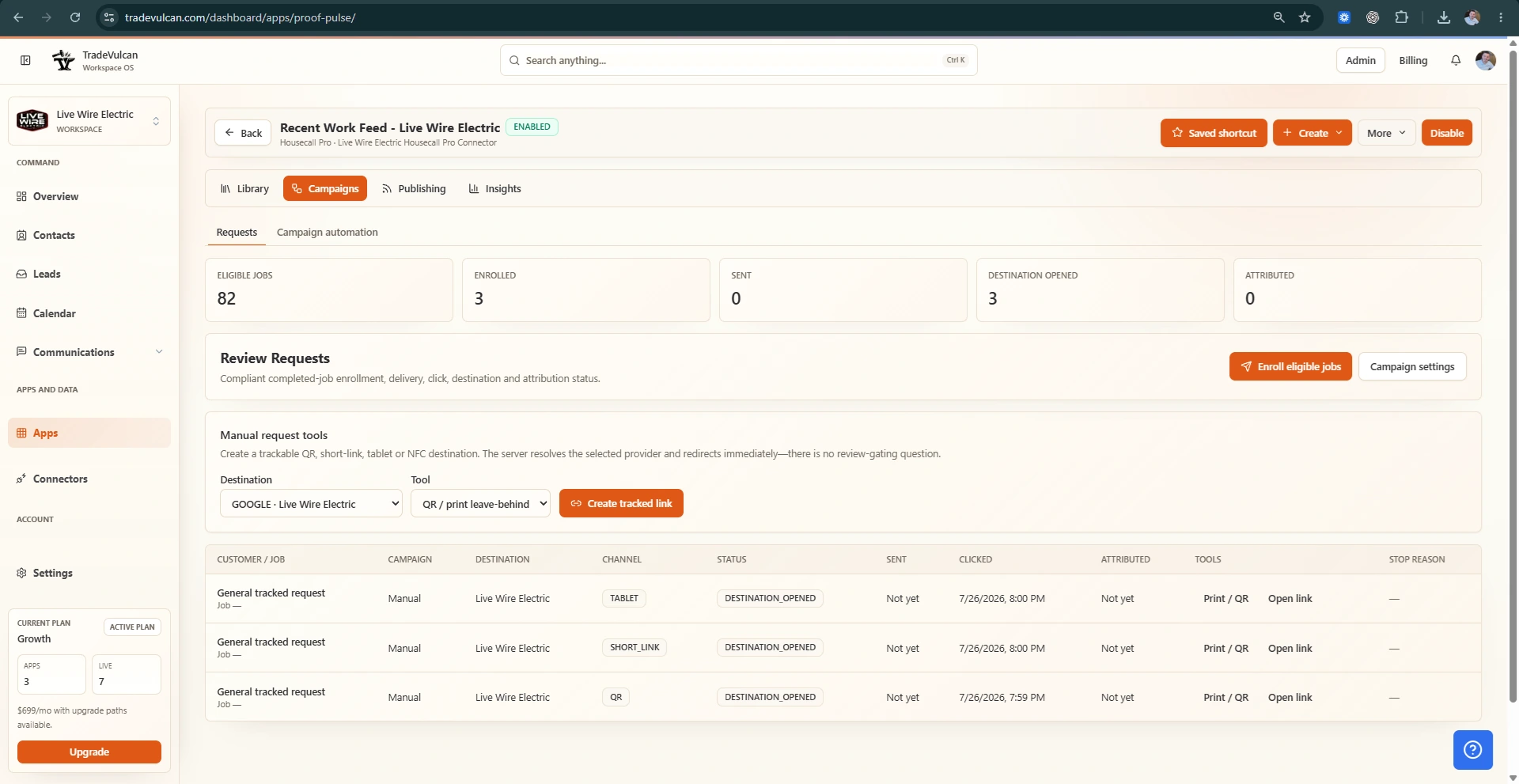
Proof Pulse helps home service teams turn field work into public-safe recent-work content. It ingests job photos and metadata from supported CRMs, creates a review queue, and publishes approved items into crawlable website feeds, maps, and optional Google Business Profile workflows.
Core features
- Create fresh local proof from real completed jobs
- Moderate photos and descriptions before anything goes public
- Publish crawlable service-area content without a client-only widget
Setup checklist
- Connect Housecall Pro or ServiceTitan
- Choose public-safe address precision
- Review and approve incoming job proof items
Compatible connectors
This app can use: SERVICETITAN, HOUSECALLPRO, OPENAI.
Launch notes
After setup, monitor the app dashboard for deployment status, recent activity, skipped work, and customer records that need human review.