
Overview
Deliver a world-class customer experience and capture more customers – through your website, directly on Google, and across all your marketing channels.
Core features
This app gives teams a focused TradeVulcan workflow tied to the revenue leak described in the app catalog.
Setup checklist
- Confirm the app is active in the workspace.
- Create or review the app deployment.
- Connect any required provider account.
- Test the workflow before sending live traffic.
Compatible connectors
This app can use: SERVICETITAN, HOUSECALLPRO, OTHER.
Launch notes
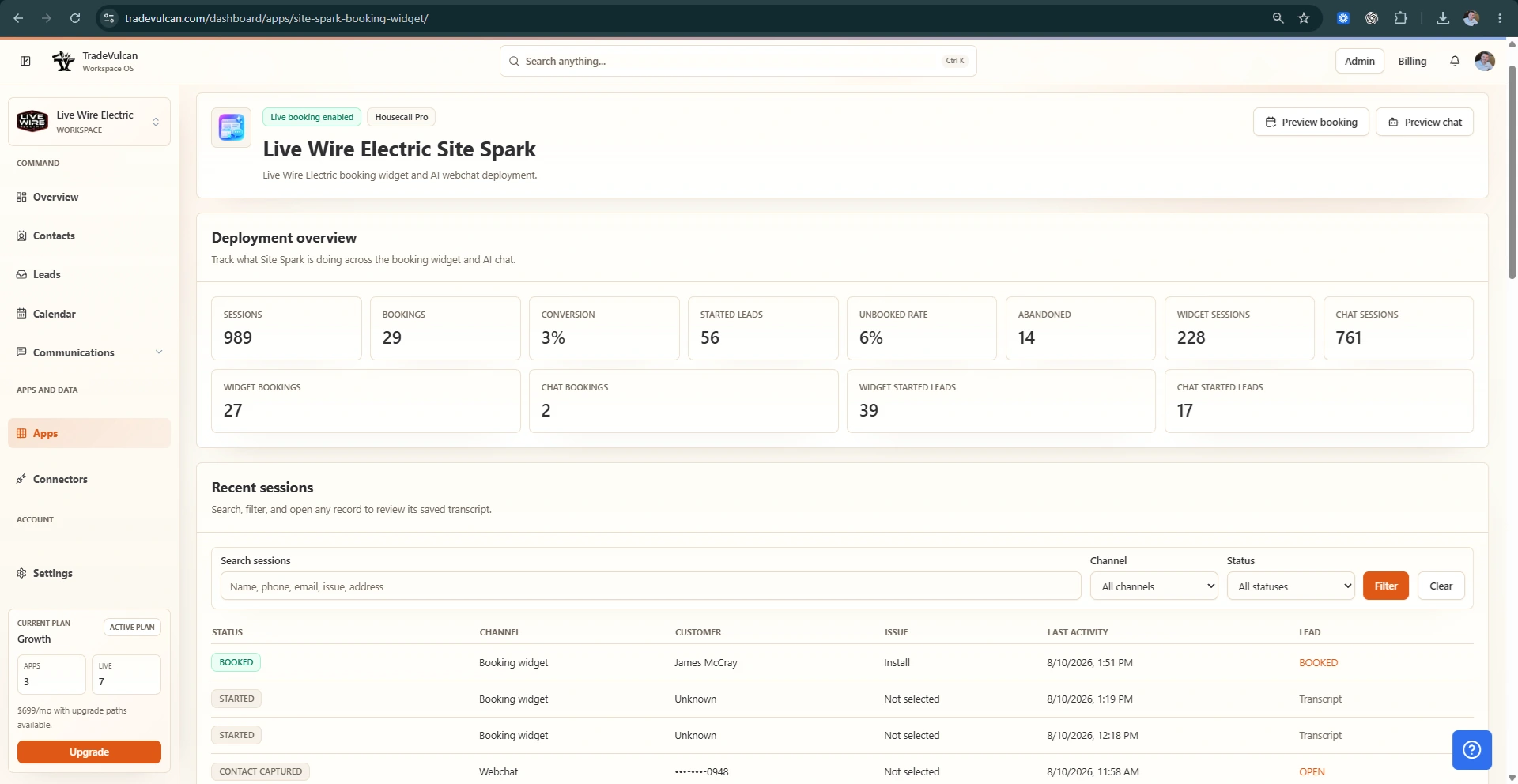
After setup, monitor the app dashboard for deployment status, recent activity, skipped work, and customer records that need human review.