
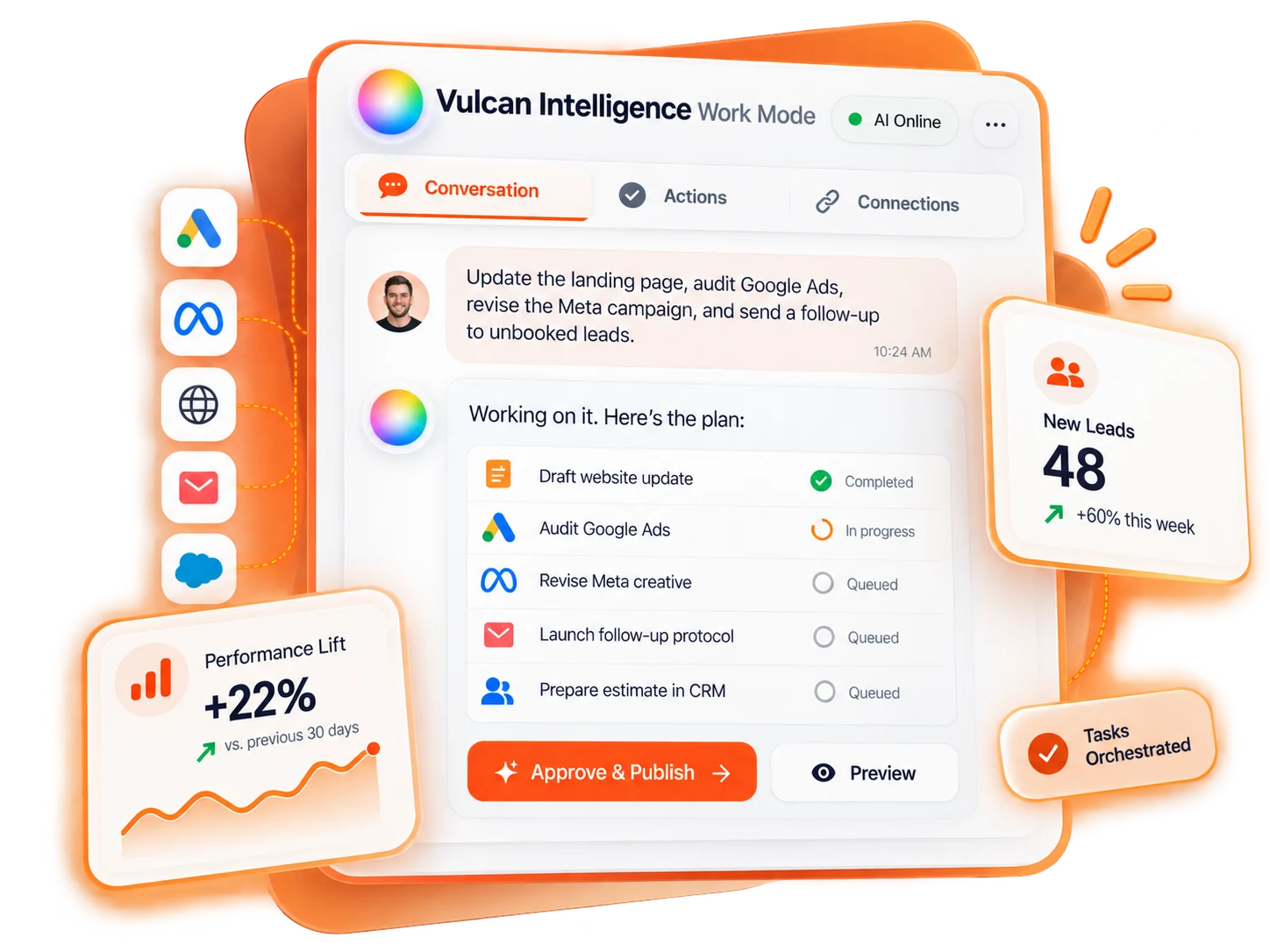
Your business question, connected to the work
Vulcan Intelligence helps you ask questions, analyze authorized business information, prepare deliverables and carry out supported changes. Work Mode connects that conversation to the actions available to your signed-in user and workspace. It is not unrestricted control of every app in the menu.
Start with the outcome: understand an underperforming campaign, improve an unpublished form, prepare an estimate follow-up, or create a report. Work checks the relevant capabilities and resources. When a request would change something, the normal Work action path prepares a reviewable proposal rather than letting the model approve its own work.
Three useful kinds of request
| Request | Example | What to expect |
|---|---|---|
| Read and analyze | Compare the selected campaigns for last month. Do not change them. | Evidence, coverage notes and recommendations—not an approval to implement. |
| Prepare a deliverable | Turn that analysis into a Word document. | A private file card; generation is not sending or publishing. |
| Prepare a change | Change the submit label on this form draft. | An exact target and proposed change for your approval. |
A longer request can contain several steps. Work may save a plan for an explicitly requested sequence of changes. Each mutation still needs its own exact approval. A research question or a report does not need a change plan just to be useful.
The right information in the right place
Your workspace can supply permitted contacts, leads, jobs, estimates, invoices, calls, messages and related records. What is returned depends on source access and the question. Search results may be samples; use reporting tools for totals rather than adding the few records visible in a chat.
External plugins are separate personal connections inside TradeVulcan. A plugin already connected to ChatGPT is not automatically connected to Work Mode. Likewise, buying an app or placing chats in one folder does not grant additional provider permissions.
Start with one safe, concrete task
Find our Generator Estimate form in Site Spark. Show the current draft submit label and success message. Do not make changes yet.
Confirm the selected form. Then ask for a specific change, review the Before and After values, and approve only the intended action. Follow the saved result to the affected page. This small first task makes the read → preview → approval → result sequence easy to understand.
Know what completion actually means
A proposed change is not a saved change. A queued action is not a completed action. A provider may accept a request before the final result is known. Read the result label and the affected-page link, especially for advertising, publishing and messages.
Available features can differ by workspace, app entitlement, role, rollout and connection. If an action is missing, use its dedicated app or ask an administrator to check access. Rewording a request does not bypass those controls. Use the guides below to learn which paths are supported and which are deliberate handoffs.