
Begin with a saved brief and reviewed plan
The design should respond to the business and page structure, not just look attractive in a thumbnail. Confirm that Discover contains the correct assets and facts, and that Plan reflects the intended website. Then open Design and inspect the available proposal.
Review the whole system
Look at typography, color, spacing, section hierarchy, imagery and calls to action. Check whether the style can support long service pages as well as the homepage. Use the proposal preview controls where available, and later verify the saved pages in desktop, tablet and phone views.
A high-contrast hero is not enough if body text is hard to read. An attractive photograph is not enough if it is unrelated to your business. A prominent service button is not enough if its destination is wrong.
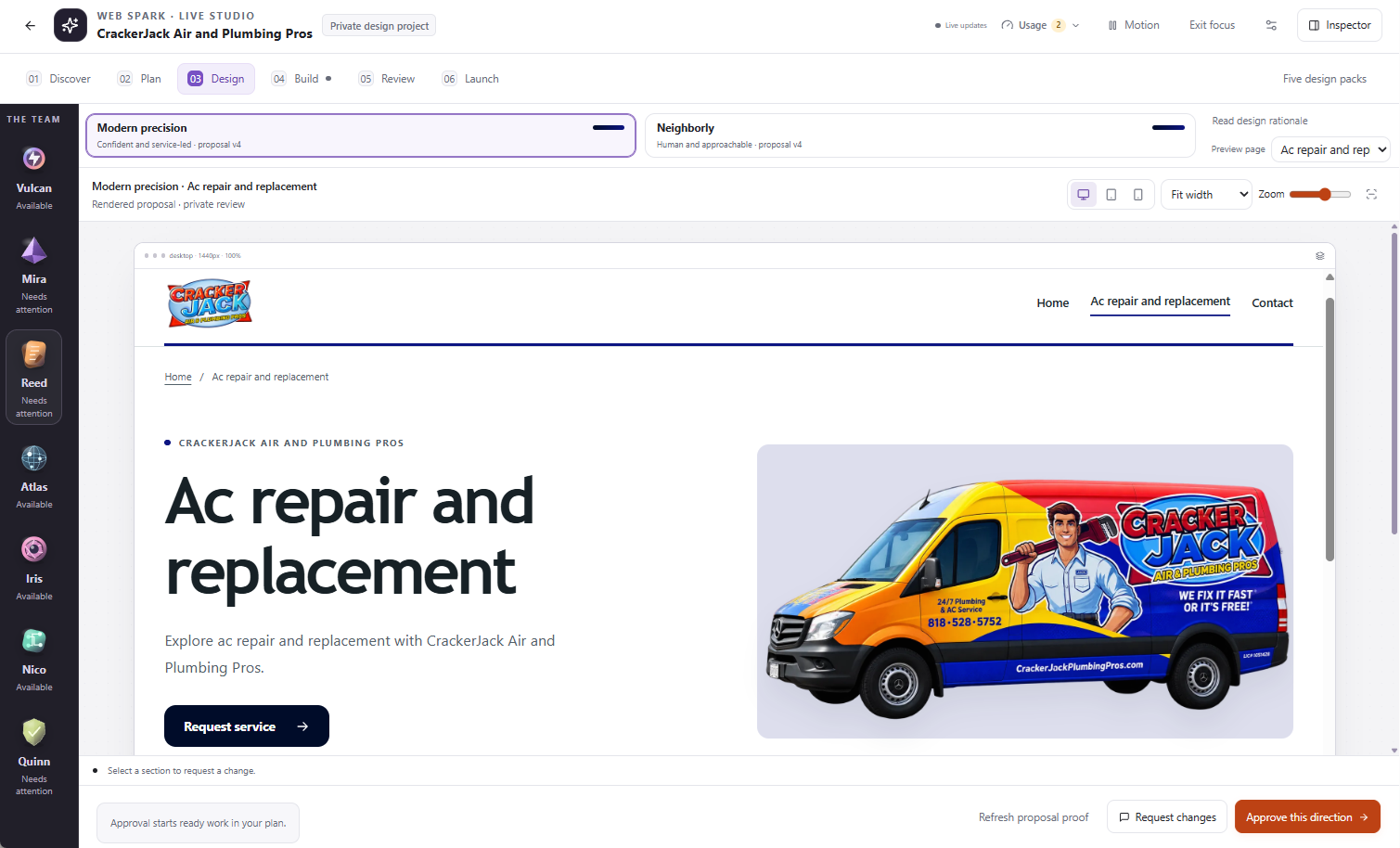
Compare the directions, inspect a representative page, and check device previews before approving the design.
Give feedback that preserves what works
Use Request changes for the relevant proposal. Describe the change and the constraints. For example: “Keep the red-and-ink palette and approved headline. Make the service cards larger, reduce decorative motion and place the public phone beside the main action.”
For a single-page or section change after building, use a targeted edit rather than changing the entire direction. “Make it premium” leaves more ambiguity than “use more whitespace, fewer borders and larger headings while preserving the brand colors.”
Inspect refreshed proposals
If you change the brief or approved architecture, the existing proposal may no longer match. Use the available Prepare updated direction or Refresh proposal proof action and inspect the new version. Do not approve an outdated image because it resembles the last proposal.
Understand the approval
Approve this direction can start ready work from the approved plan. Read the summary, scope and usage information before confirming. Design approval authorizes the described build activity; it is not the final public publishing approval.
When the first saved pages arrive, check that the implementation follows the direction. Report a specific mismatch with the page, section, expected appearance and actual appearance rather than repeatedly approving new global designs.
A useful acceptance check
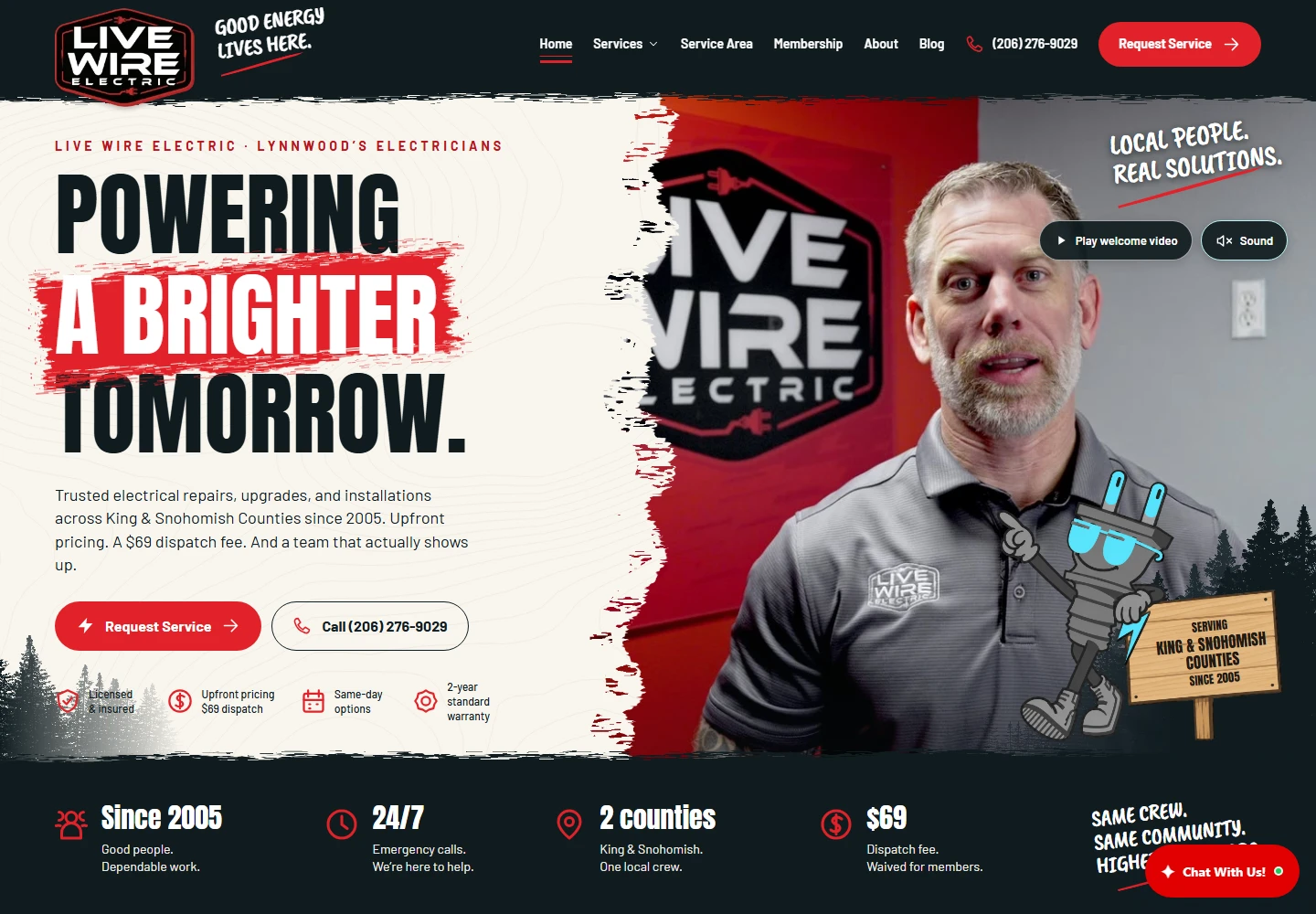
The direction should feel like your company, use legible type, support mobile reading and make the next step obvious. Confirm media rights and avoid displaying generated imagery as real project evidence. The Live Wire Electric case study provides a more detailed example of brand, service architecture and small-screen presentation.